Coming soonYour AI agent can attend meetings for you. See how →

AI Thumbnail Generator
Make Video Thumbnails From a Text Prompt
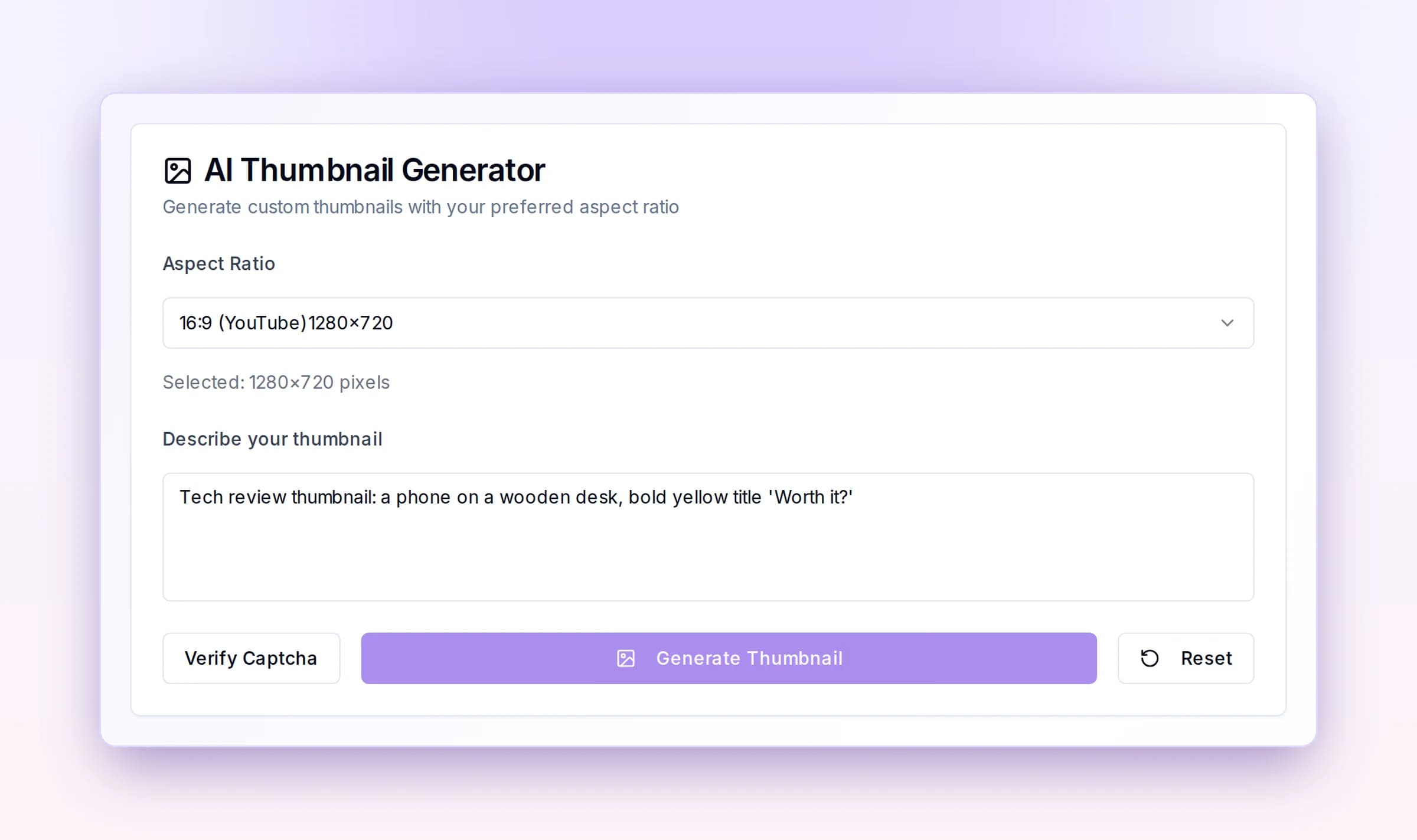
Describe the thumbnail you want, choose an aspect ratio, and Flonnect AI Thumbnail Generator makes an image for you to download. Run it again for another version. Use it for YouTube videos, social posts and course covers. No design skills needed.
Edit by prompt
Just ask. The AI finds the tool.
Type what you want in the editor's AI chat. Simple edits like trims, fades and text are made for you; for anything else it opens the right tool, ready to run. You can undo and keep refining in plain words.
Tools it can open
- Generate assets
- Write a script
- Colour grade
Make a YouTube thumbnail for this video about budgeting.
Generate assets — AI image in your project's aspect ratio
Make the colours brighter and bolder.
Colour grade — filters and colour correction
Write a short post to share this video.
Write a script — scripts, captions and social posts
Make Thumbnails Without Design Software

Thumbnails From a Prompt
Describe the thumbnail you want, such as the subject, colours and mood, and the AI generates it.

One Image per Run
Each run makes one thumbnail. If it isn't right, change the prompt and run it again.

The Right Aspect Ratio
Choose 16:9 for YouTube, 1:1 for square posts, 9:16 for vertical covers or 4:3 for traditional layouts.

Free, Nothing to Install
No design software, no install and no account. The image is made on Flonnect's servers and you download it from the page.
Write a Prompt, Get a Thumbnail with AI
A good thumbnail shows the subject clearly and stands out in a crowded feed. Instead of building one by hand, describe it: “tech review thumbnail with a smartphone on a blue background” or “cooking video cover with a bowl of ramen, warm light”. Flonnect AI Thumbnail Generator returns one image in the aspect ratio you chose. Download it, or adjust the prompt and generate again.
Make a Thumbnail in Three Steps
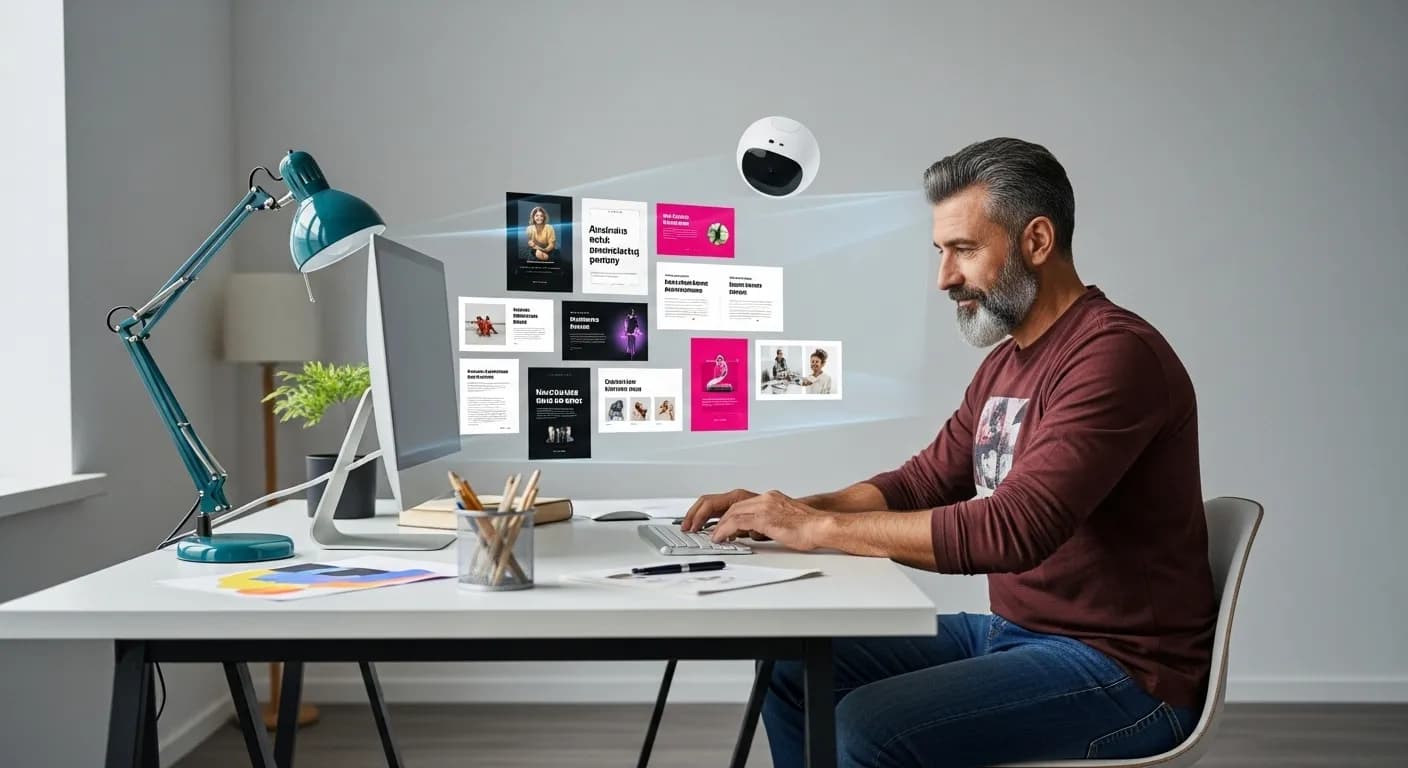
How Flonnect AI Thumbnail Generator works for creators, marketers and teachers.
Choose the aspect ratio: 16:9 for YouTube, 1:1 for square posts, 9:16 for vertical, or 4:3.
Describe the thumbnail: the subject, background, colours and style you want.
Download it: Save the generated thumbnail, or change the prompt and try again.


AI Thumbnail Generator for YouTube Creators
Get a custom thumbnail for every upload without opening a design tool.
- Describe the video topic and get a 16:9 thumbnail.
- Try different styles, colours or subjects by changing a few words in the prompt.
- Download it and upload it to YouTube with your video.
AI Thumbnail Design for Digital Marketers
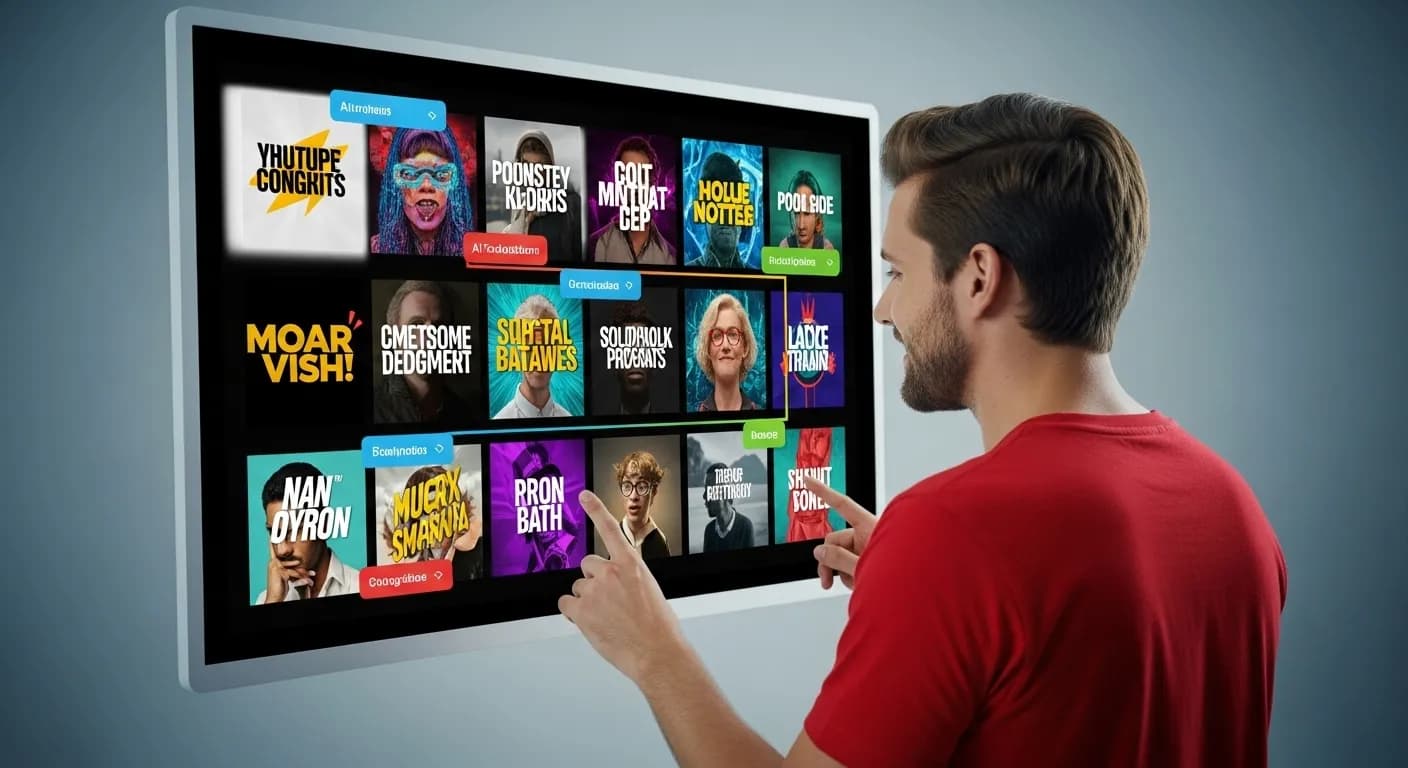
Make cover images for promo videos, ads and blog posts without waiting on a designer.
- Make a cover image for a campaign video, and run the prompt again to try another version.
- Make square covers for LinkedIn, Facebook and Instagram posts with the 1:1 ratio.
- Reuse the same prompt wording across a series to keep covers consistent.
AI Generated Blog & Article Thumbnails for Publishers
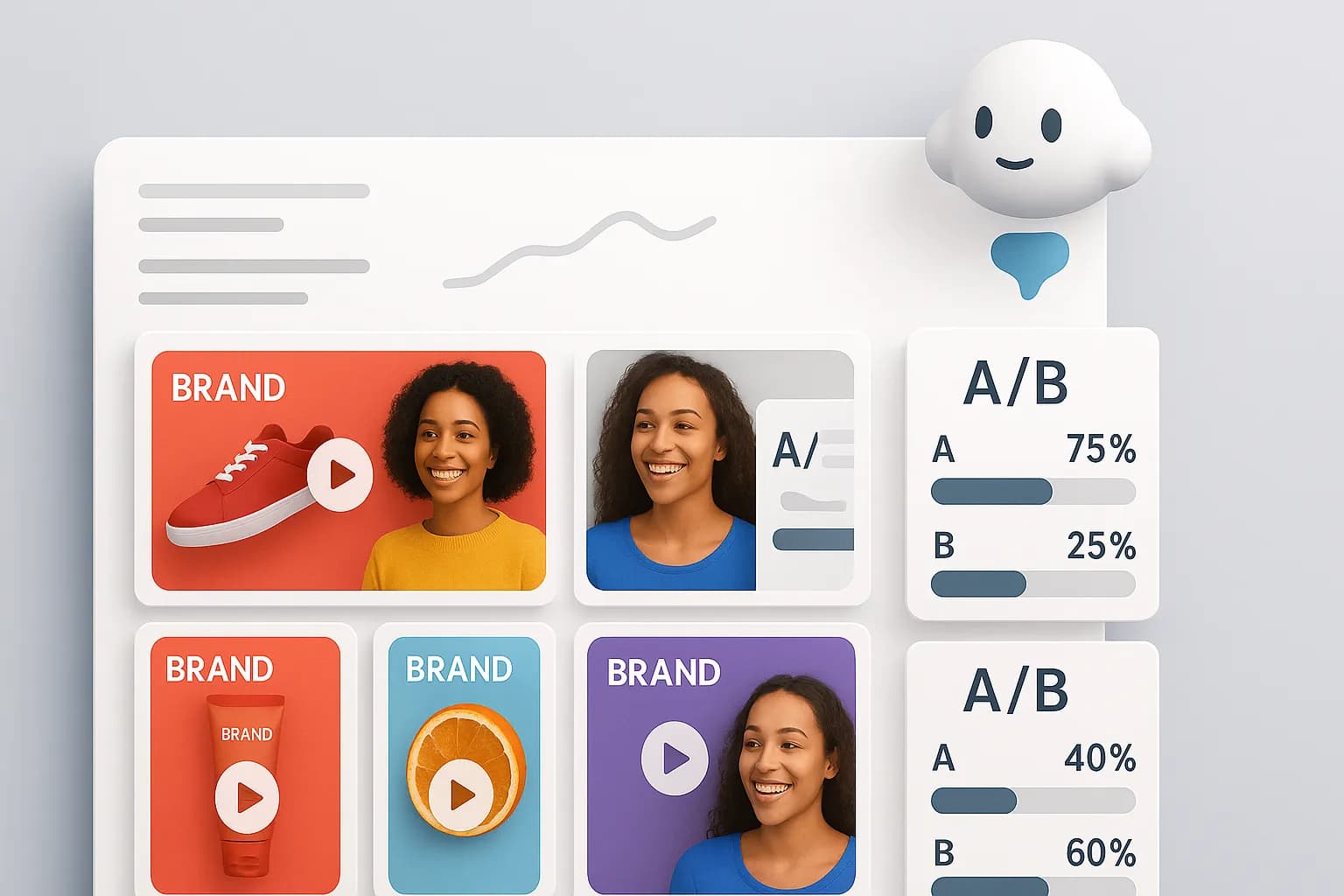
Bloggers and publishers can make a header or preview image for each article from a short description.
- Describe the article topic and get a header image to match.
- Use the 16:9 ratio for blog headers and link previews.
- Generate a new image for each post instead of reusing stock photos.

AI Thumbnail Generator for Online Courses & Webinars
Teachers and trainers can make clear cover images for online courses, webinars and recorded lessons.
- Make a cover image for each course, lesson or webinar recording.
- Describe the topic and the look you want; no design experience needed.
- Pair it with a lesson you recorded with the Flonnect screen recorder.
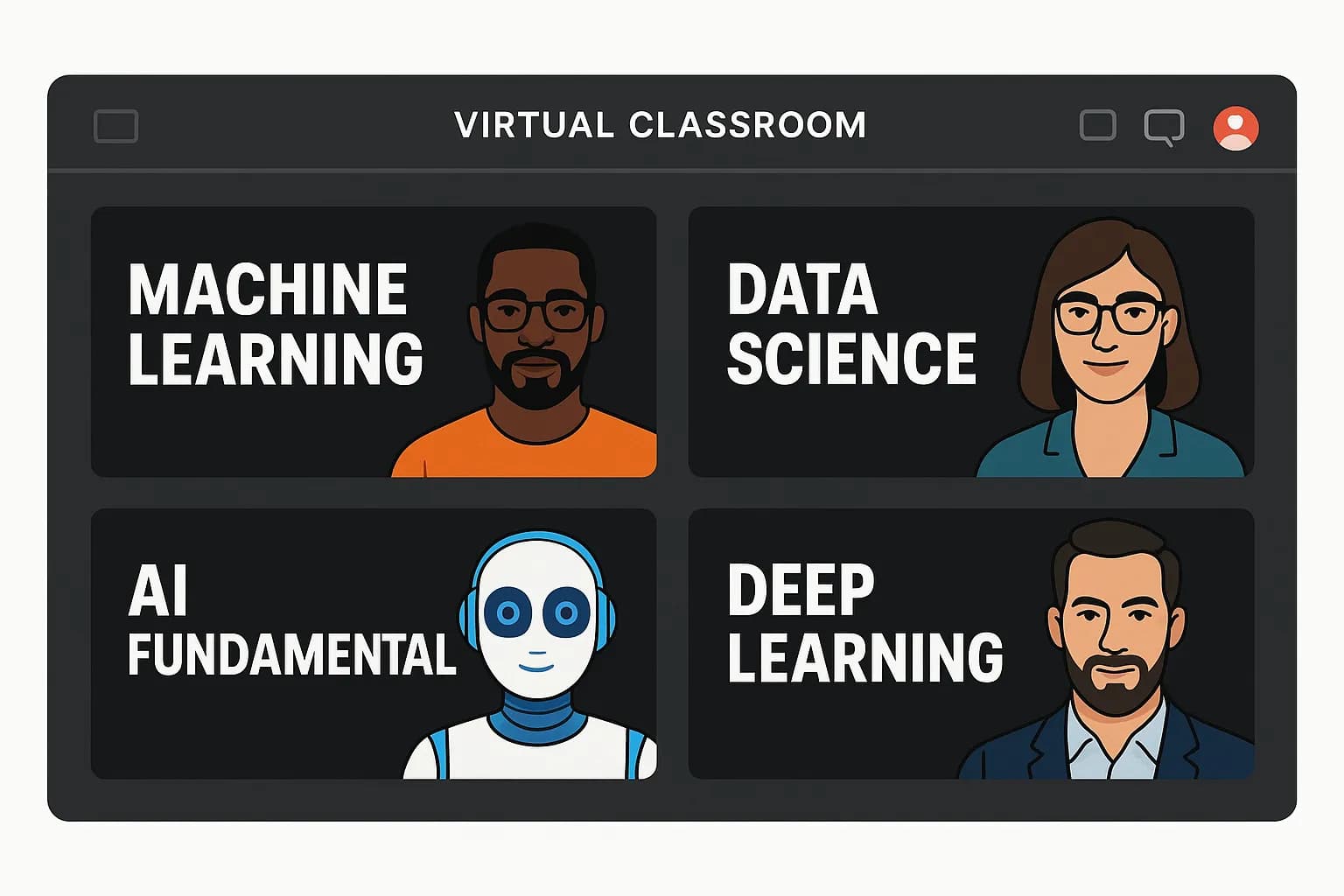
Flonnect AI Thumbnail Generator - Thumbnails From a Text Prompt
Flonnect AI Thumbnail Generator makes thumbnail images from a short text description. It is built for people who need a cover image for a video, a post or an article and don't want to open design software to make one. You describe what the thumbnail should show, choose an aspect ratio, and the AI returns one image you can download. Run it again for another version.
A thumbnail is often the first thing people see before they decide to watch or read. It needs a clear subject, colours that stand out, and a layout that still reads at small sizes. Building that by hand takes time. With an AI thumbnail generator you can try an idea, change the prompt, try another, and keep the one that fits your content best.
The tool supports common sizes: 16:9 for YouTube thumbnails (the default), 1:1 for square social posts, 9:16 for vertical covers and 4:3 for traditional layouts. Pick the ratio first so the image is generated in the right shape and you don't have to crop it later.
For YouTube creators, the most useful habit is to be specific in the prompt. Name the subject, the background, the colours and the mood, for example “tech review thumbnail with a smartphone on a blue background” or “gaming thumbnail with neon colours”. If the image isn't right, change a few words and generate again. Download the one you want and upload it with your video.
Online shops and marketers can use it to make cover images for product videos, promo clips and social ads. Run the same idea a few times with small changes to the prompt, download the versions you like, and compare them before you choose one for a campaign.
Bloggers and publishers can make a header or link-preview image for each article. Describe the topic of the post and the look you want, and use the 16:9 ratio so the image fits common blog layouts and social previews.
Teachers and course creators can make a cover image for each course, lesson or webinar recording. A clear, consistent cover helps students find the right lesson in a list. If you record your lessons with the Flonnect screen recorder, you can make the matching thumbnail here in a minute.
You use the generator on flonnect.com and the image is made on Flonnect's servers, so there is nothing to install, and you don't need an account or design experience. Write a prompt, generate and download.
Flonnect AI Thumbnail Generator sits alongside the other free AI tools on flonnect.com/ai, including the image generator, image editor, background remover and background generator, so you can make and adjust the images you need for your content in one place.
FAQ
Questions, answered
More AI tools in Flonnect
- AI Image GeneratorDescribe an image and download it. Free, no account needed.
- AI Art GeneratorPaintings, illustrations and other styles from a sentence. Free.
- AI Photo EditorUpload a photo and describe the change you want. Free.
- AI Background RemoverUpload a photo and download it without the background. Free.
- AI Video GeneratorDescribe a video in a sentence; the AI writes it and makes it with a voice and music.
- AI Text to VideoTurn a topic or your notes into a narrated explainer video.
One AI Thumbnail Generator, Any Idea You Can Describe
Generate thumbnails free on flonnect.com, then record and share your next video with Flonnect.
No credit card required • Free forever plan available