
Quick Answer
- Flonnect: Best overall for screen recording, AI editing, demos and team sharing.
- Loom: Best for quick asynchronous team videos.
- OBS Studio: Best free option for advanced recording and streaming.
- Scribe: Best for automatic step-by-step documentation.
- Camtasia: Best for detailed, timeline-based video editing.
Bandicam is a capable screen recorder, especially for local desktop and gameplay capture. However, teams often need more than a video file: they need AI-assisted editing, cloud sharing, comments, interactive demos, documentation and viewer analytics.
This guide compares the strongest Bandicam alternatives based on recording, editing, collaboration, documentation, pricing model and ideal use case. You can also review Flonnect’s dedicated screen recording tool comparisons.
Why Do Teams Look for a Bandicam Alternative?
Faster editing
Teams want transcripts, automatic trimming, caption generation and filler-word removal instead of manually editing every recording.
Instant sharing
Uploading local files manually slows feedback, approval and customer-support workflows.
More output formats
One recording may need to become a video, interactive demo, transcript, support guide or bug report.
Team collaboration
Shared workspaces, comments, access controls and engagement data help teams manage content after recording.
Best Bandicam Alternatives Compared
| Tool | Recording | AI editing | Demos or guides | Team sharing | Pricing model | Best for |
|---|---|---|---|---|---|---|
| Flonnect | Screen, webcam, audio and meetings | Transcription, smart trimming, captions and enhancements | Interactive demos, step workflows and bug reports | Links, embeds, workspaces, comments and access control | Free plan; paid plans from $12/month | All-in-one team workflow |
| Bandicam | Strong desktop, webcam, device and game capture | Not a core built-in workflow | Traditional video output | Primarily file-based | Annual or perpetual per-device licence | Local and gameplay recording |
| Loom | Screen, camera, system audio and meetings | Summaries, chapters, titles, tasks and transcript editing on AI plans | Primarily asynchronous videos | Strong libraries, comments and viewer insights | Free plan; Business from $18/user/month | Async workplace communication |
| OBS Studio | Advanced scenes, sources, audio mixing and streaming | No built-in AI editing workflow | Requires separate editing or documentation tools | No native cloud workspace | Free and open source | Streaming and advanced capture control |
| Scribe | Captures clicks and workflow steps | AI-powered process capture and workflow improvement | Excellent step-by-step guides | Links, embeds, comments and exports | Free plan; Team plans charged per seat | SOPs and process documentation |
| Snagit | Screenshots, scrolling capture and quick videos | AI step capture, redaction and image simplification | Strong screenshot-based guides | Share links and searchable capture library | Paid annual subscription | Annotated screenshots and short guides |
| Camtasia | Screen, camera, audio and multitrack capture | Script, voice, transcription, caption and background tools | Polished training and tutorial videos | Sharing and review features vary by plan | Tiered annual plans | Professional post-production |
Pricing and plan inclusions can change. Confirm the current regional price and required team features before purchasing.
1. Flonnect: Best Overall Bandicam Alternative for Teams
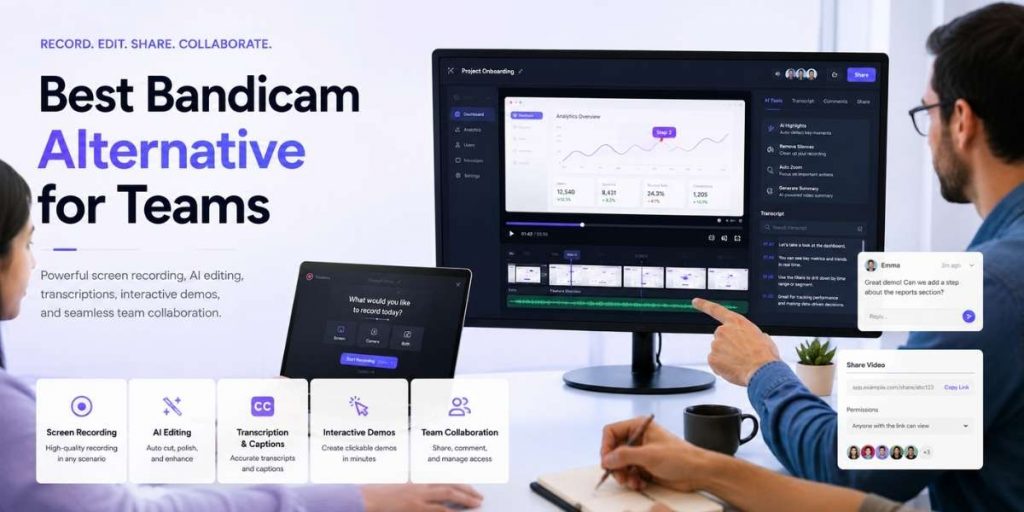
Flonnect is the strongest option when the workflow must continue after recording. Its screen recorder supports browser tabs, application windows, full desktops, webcams and system audio across Chrome, Windows and macOS.
✓ Record screen, webcam, microphone and system audio
✓ Generate transcripts, captions and cleaner edits
✓ Turn workflows into interactive product demos
✓ Share videos through links, embeds and team workspaces
✓ Track engagement and viewer drop-off points
For teams that spend too much time cleaning recordings manually, Flonnect’s AI video editor adds transcription, trimming, captions and enhancement tools within the same platform.
Other Bandicam Alternatives Worth Considering
2. Loom: Best for asynchronous video messages
Choose Loom when the main requirement is recording a quick explanation and sharing it through a link. Its team libraries, comments and viewer insights are strong, but interactive product-demo creation is not its main workflow.
3. OBS Studio: Best free option for advanced recording
OBS provides detailed control over scenes, sources, audio, encoders and live streaming. It is powerful and free, but teams normally need separate tools for editing, cloud sharing, approvals and documentation.
4. Scribe: Best for step-by-step documentation
Scribe automatically converts clicks into visual instructions. It is ideal for SOPs, onboarding documents and process guides, but it is not primarily designed for polished narrated screen videos.
5. Snagit: Best for screenshots and quick guides
Snagit works well when screenshots, annotations, redaction and short explanatory clips matter more than long-form video editing or interactive demos.
6. Camtasia: Best for professional editing
Camtasia provides a deeper timeline, multitrack editing, cursor effects, animations, AI voice tools and training-video features. It suits polished production but requires more editing time than lightweight team recorders.
Bandicam vs Flonnect: The Practical Workflow Difference
| Team task | Traditional recorder workflow | Flonnect workflow |
|---|---|---|
| Record | Create and save a local video file | Record browser, desktop, webcam and audio |
| Edit | Open a separate editing application | Trim, transcribe and enhance with AI tools |
| Explain a product | Send a passive video | Create a clickable walkthrough using interactive demos |
| Report an issue | Attach a video and write technical details | Use visual bug reporting with annotations and network context |
| Share and review | Upload the file and manage feedback separately | Send a link, collect comments and manage access |
Which Tool Should Your Team Choose?
| Your main requirement | Recommended tool |
|---|---|
| Screen recording, AI editing, demos and team sharing | Flonnect |
| Quick internal video messages | Loom |
| Free streaming and configurable recording scenes | OBS Studio |
| Automatic SOP and process guides | Scribe |
| Annotated screenshots and short clips | Snagit |
| Detailed timeline editing and formal training videos | Camtasia |
Bandicam Alternative Selection Checklist
□ Does it record the screen, webcam, microphone and system audio?
□ Can AI reduce editing and transcription work?
□ Can recordings become guides or interactive demos?
□ Can teammates comment and manage shared content?
□ Are viewer analytics or engagement insights available?
□ Does the licence cover every required user and device?
□ Can the team test the complete workflow before paying?
Compare Flonnect’s Free, Pro and Business limits on the current pricing page.
Frequently Asked Questions
What is the best Bandicam alternative for teams?
Flonnect is a strong overall choice for teams that need screen recording, AI editing, interactive demos, cloud sharing and collaborative workspaces in one platform.
Is OBS better than Bandicam?
OBS is better for free streaming, scene composition and advanced recording control. Bandicam is easier for straightforward desktop or gameplay recording.
Is Flonnect a Loom alternative?
Yes. Both support quick screen recording and link sharing, while Flonnect also focuses on interactive demos, workflow documentation and visual bug reporting.
Should I choose Scribe or a screen recorder?
Choose Scribe for screenshot-based process documentation. Choose a screen recorder when voice, movement, context and personal explanation are important.
Is Snagit or Camtasia better for video?
Snagit is better for short recordings, screenshots and visual guides. Camtasia is better for polished multitrack videos, training courses and detailed post-production.
Can I try a Bandicam alternative for free?
Yes. Flonnect, Loom, OBS and Scribe provide free starting options, although recording, storage, AI and collaboration limits differ.
Flonnect for Modern Teams
Record once. Edit with AI. Share as a video, demo or visual guide.
Replace disconnected recording, editing, documentation and sharing tools with one collaborative video workflow.