
How to Use AI Auto Caption Generator for Tutorials, Demos and Support Videos
AI Video Editing · Auto Captions Tutorials · Product Demos · Support Videos Quick Answer Use the Flonnect AI Video Editor to generate speech-to-text captions
AI Video Editing · Auto Captions Tutorials · Product Demos · Support Videos Quick Answer Use the Flonnect AI Video Editor to generate speech-to-text captions
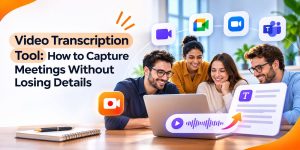
Meeting Recording & Transcription Transcript · Summary · Action Items · Follow-Up Quick Answer Use Flonnect’s Google Meet Recorder to capture meetings, transcripts, summaries and
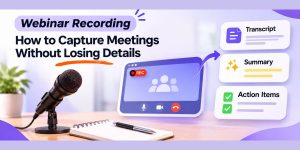
Meeting Recording · Transcription · Async Follow-Up Quick Answer Webinar recording is most useful when it preserves more than video. A strong workflow captures the
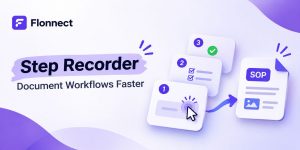
Documentation · SOPs · Workflow Capture Quick Answer A step recorder captures a digital workflow while you perform it and turns those actions into reusable

Competitor Alternatives · Screen Recording · AI Editing Quick Answer Flonnect is our top free Camtasia alternative for teams that want screen recording, AI editing,

Flonnect Creator Guide Quick Answer Build each Instagram Reel around one useful idea, result, question or story. Use Flonnect to record, edit, caption and turn

Async Communication · Remote Work Video Updates · Team Handoffs · Documentation Quick Answer Flonnect is useful for screen recordings, visual handoffs, training videos and

AI Presentation · Google Slides Business · Sales · Training · Education Quick Answer Gemini in Google Slides is the strongest native option if your

Quick answer: Generate an AI transcript first so you can see what was actually said before polishing the video. Cut failed takes, repetition, and long

Quick answer: Choose the recorder around your team’s most common task, not around the longest feature list. Make sure it records the screen area you