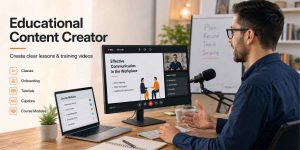
Educational Content Creator: How to Create Clear Lessons and Training Videos
Training & Education Quick Answer Create each lesson around one clear learning outcome. Use screen recording for processes, webcam for human guidance and slides for

Training & Education Quick Answer Create each lesson around one clear learning outcome. Use screen recording for processes, webcam for human guidance and slides for
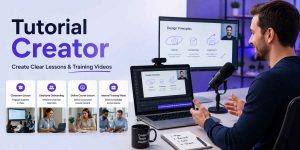
Training & Education · Video Tutorials Quick Answer Start every tutorial with one clear learning outcome. Record the screen, voice and optional webcam based on
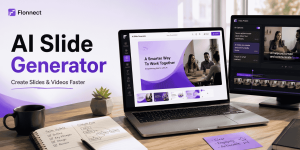
AI Video Creation Quick Answer Start with a clear audience, presentation goal and final action—not a vague “create slides” prompt. Use an AI slide generator
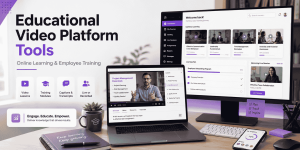
Training & Education Quick Answer Flonnect: Best for educators and training teams that want to record, edit, share and reuse lessons without a complex institutional
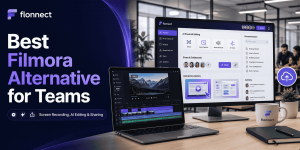
Competitor Alternatives Quick Answer Flonnect: Best Filmora alternative for teams that need screen recording, AI editing, instant sharing, interactive demos and process documentation. Camtasia: Best
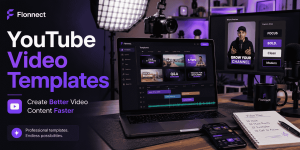
Creator & YouTube Workflows Quick Answer Use YouTube video templates as repeatable structures—not finished videos that you publish without changes. Create separate templates for tutorials,
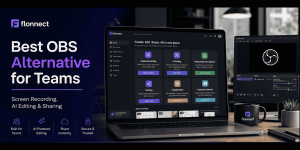
Competitor Alternatives Quick Answer Flonnect: Best OBS alternative for teams needing recording, AI editing, transcription, sharing, demos and documentation. OBS Studio: Best free option for
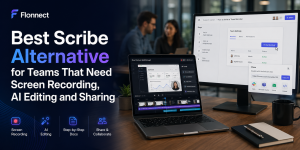
Competitor Alternatives Quick Answer Flonnect: Best Scribe alternative for teams needing screen recording, AI editing, interactive demos, sharing and documentation in one workflow. Tango: Best
Creator & YouTube Workflows Quick Answer Build every Short around one idea, problem, tip or result. Write the hook before recording or generating the video.

Interactive Demo & Product Walkthrough Quick Answer Build the walkthrough around one buyer problem—not the complete product. Show the useful result before explaining every feature