
How to Start a YouTube Channel – Practical Guide for Teams and Creators
Creator & YouTube Workflows Quick Answer Choose one clear audience and 2 to 3 repeatable video topics before creating your channel. Set up your channel
Creator & YouTube Workflows Quick Answer Choose one clear audience and 2 to 3 repeatable video topics before creating your channel. Set up your channel

Quick answer: Flonnect: best when teams need fast screen-recorded demos, support answers and customer education videos they can share by link. Sendspark: stronger for AI-personalized

Quick answer: Start with one clear learner outcome instead of recording everything you know about the topic. Break that outcome into modules, then divide each

Competitor Alternatives · AI Video Tools Generation · Recording · Editing · Demos · Sharing Quick Answer Flonnect is a strong Runway alternative when your
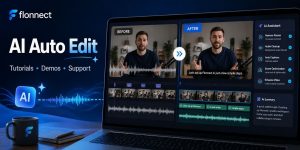
Quick Answer AI auto edit is best for repetitive cleanup: pauses, filler words, captions, noise, framing and basic visual corrections. Edit tutorials for clarity, demos

Quick Answer Protect blocks of uninterrupted work instead of filling every gap with communication. Replace broadcast-style meetings with written or async video updates. Use live
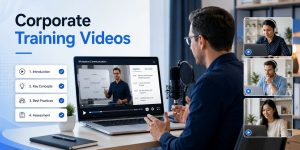
Training & Education · Video Learning Record · Teach · Reuse · Measure Quick Answer Build each training video around one job the learner should

Competitor Alternatives · Team Video Tools Recording · AI Editing · Demos · Sharing Quick Answer Flonnect is a strong Tango alternative when your team
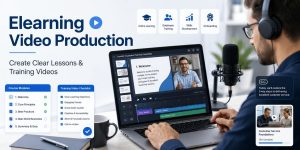
Quick Answer Start every training video with one clear learning outcome. Choose screen, webcam, slides or a combination based on what learners need to understand.
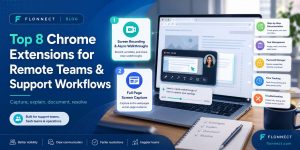
REMOTE WORK TOOLS Quick Answer Flonnect — best for screen recordings, walkthroughs and async support explanations. Full Page Capture Screenshot – best for saving complete