
Audio Extraction Guide
Quick Answer
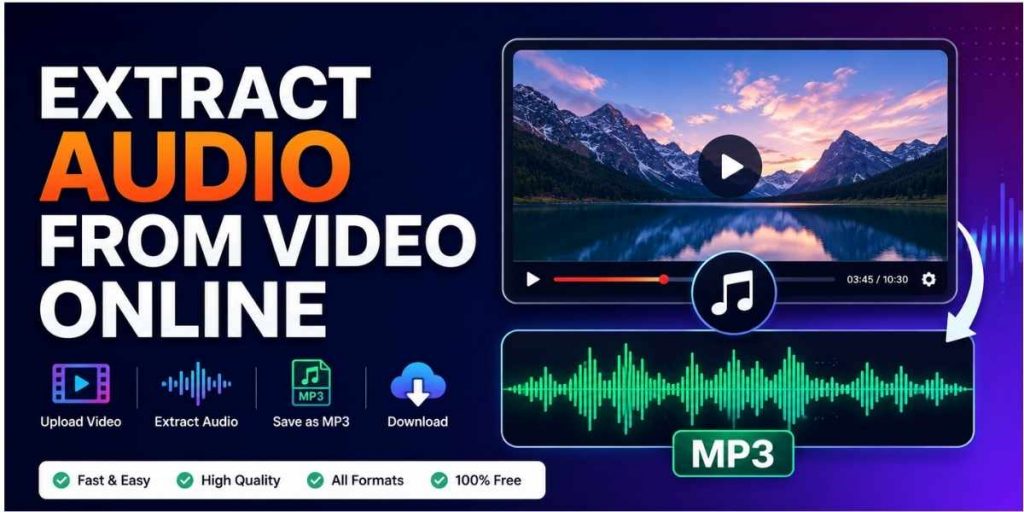
The easiest way to extract audio from video online is to upload your video to an online editor, choose an audio format like MP3, WAV, AAC, or M4A, and download the separated audio file. For creators who also want to trim, improve sound quality, add captions, or repurpose the video, Flonnect AI Video Editor is a useful workflow because it helps polish both video and audio instead of only converting a file.
Sometimes the most valuable part of a video is the audio. It may be a podcast clip, interview answer, webinar explanation, product demo narration, training voiceover, music sample, or meeting discussion. Instead of keeping the full video file, you may only need the sound track in MP3, WAV, AAC, or M4A format.
That is where an online audio extractor helps. You can upload a video, separate the audio, clean it, trim it, and use it for podcasts, notes, social media clips, captions, presentations, or editing projects. This guide explains how to extract audio from video online free, how mobile extraction works, what to know about YouTube links, and which format is best for your use case.
Important rights note: Extract audio only from videos you own, created, licensed, or have permission to use. For YouTube videos, use official download options or content where you have rights. Avoid extracting copyrighted audio from a YouTube video link without permission.
Table of Contents
What Does It Mean to Extract Audio From a Video?
To extract audio from a video means separating the sound track from the video file and saving it as an audio-only file. For example, you can take an MP4 video and export only the sound as an MP3 file. This is useful when you do not need the visuals but still want the voice, music, explanation, or sound effect.
For creators
Reuse video audio for podcasts, Shorts, Reels, voiceovers, or social media clips.
For teams
Save meeting explanations, training voiceovers, product demos, or customer call notes.
For editors
Pull clean audio for editing, captions, transcripts, summaries, or background cleanup.
Best Ways to Extract Audio From Video
The best method depends on where your video is stored, what device you are using, and whether you only want conversion or a complete editing workflow.
| Method | Best For | What to Check |
|---|---|---|
| Online audio extractor | Quick MP3 or WAV export | File size limit, privacy, supported formats |
| AI video editor | Extracting, trimming, captions, and cleanup | Audio enhancement and editing options |
| Mobile app | Phone-based edits | Ads, export quality, watermarks, permissions |
| Desktop software | Large files and offline projects | Installation, learning curve, export settings |
| URL-based extraction | Direct file links or permitted sources | Rights, platform rules, link support |
How to Extract Audio From Video Online Free
If you already have the video file on your laptop or phone, the online method is usually the simplest. It works well for MP4, MOV, WEBM, and similar video files.
- Upload your video: Choose the file from your computer, phone, or cloud storage.
- Choose output format: Select MP3 for smaller file size, WAV for high quality, or AAC/M4A for mobile-friendly use.
- Trim if needed: Remove unwanted intro, silence, waiting time, or ending sections.
- Improve audio quality: Reduce noise, balance volume, and make voice clearer before downloading.
- Export the audio: Download the final audio file to your device.
- Rename and organize: Use a clear file name so you can find the audio later.
For users searching extract audio from video online free mp3, MP3 is usually the best everyday format because it works across most phones, laptops, editing apps, podcast tools, and music players.
Can You Extract Audio From YouTube Video Online?
Many users search for terms like extract audio from YouTube video online, extract audio from YouTube video online free, or audio extract from YouTube video link. The safe answer is simple: only extract audio from YouTube content when you own the video, have permission, or the platform/license allows that use.
Best practice: If the YouTube video is yours, use your original uploaded video file whenever possible. Uploading the original file to an editor gives better quality and avoids issues with unsupported YouTube links or platform restrictions.
| YouTube Scenario | Safe Approach |
|---|---|
| Your own YouTube video | Use your original uploaded file or an authorized downloaded copy. |
| Copyrighted video by someone else | Do not extract or reuse audio unless you have permission or a valid legal basis. |
| Creative Commons or licensed content | Check the license terms before extracting or republishing audio. |
| Private team or training video | Use the original file and confirm internal usage permissions. |
Extract Audio From URL: What Works and What Does Not
Extract audio from URL can mean two different things. Sometimes users have a direct video file link, such as a hosted MP4. Other times, they paste a streaming platform link. These are not the same.
Direct video file URL
This may work if the tool supports URL import and the file is accessible with permission.
Streaming page URL
This may not work because platforms often restrict downloading, copying, or automated extraction.
Best alternative
Download or export the original video from the source you control, then upload it for extraction.
This keeps your workflow cleaner and avoids failed extractions, broken URLs, low-quality output, and rights-related problems.
How to Extract Audio From Video on Phone
If you are searching how to extract audio from video on phone, you have two practical options: use a browser-based online tool or install a mobile app. Browser-based tools are usually easier when you do not want another app on your phone.
- Open the editor in your mobile browser: Use Chrome, Safari, or another updated browser.
- Upload the video: Select the file from Photos, Files, Gallery, or Downloads.
- Select MP3 or another audio format: MP3 is best for everyday use.
- Trim and clean if needed: Remove silence, extra intro, or noisy sections.
- Download the audio: Save it to Files, Downloads, Drive, or your preferred folder.
How to Extract Audio From Video on iPhone
For iPhone users, the simplest method is to use Safari and upload the video from Photos or Files. After extraction, save the audio to the Files app so it can be reused in editing apps, note-taking apps, cloud storage, or podcast workflows.
- Use MP3 if you need a smaller file.
- Use WAV if you plan to edit the audio again.
- Save the file inside the Files app for easier sharing.
- Check audio playback before deleting the original video.
Android App or Browser: Which Is Better?
Searches like “audio extractor: video to mp3” android app usually mean the user wants a simple mobile converter. Android apps can work, but check ads, file limits, permissions, and export quality before using them. A browser-based tool is often better when you want quick extraction without installing anything.
MP3, WAV, AAC, or M4A: Which Format Should You Choose?
Choosing the right format matters because it affects file size, quality, compatibility, and editing flexibility.
| Format | Best For | Main Benefit |
|---|---|---|
| MP3 | General use, sharing, podcasts, voice notes | Small file size and wide support |
| WAV | Editing and high-quality projects | Better quality but larger file size |
| AAC | Modern devices and streaming workflows | Good quality at smaller sizes |
| M4A | iPhone, Mac, Apple workflows | Mobile-friendly and efficient |
Use Flonnect When You Need More Than Basic Extraction
A basic converter can separate audio from video, but many workflows need more than that. You may need to remove background noise, trim long pauses, improve voice clarity, generate captions, summarize the video, or prepare short clips from the same source video.
That is where Flonnect AI Video Editor fits naturally. It helps creators and teams polish videos with AI-powered editing, captions, background noise removal, video enhancement, and faster editing workflows. If your video was recorded as a tutorial, demo, training video, or product walkthrough, you can also use Flonnect Screen Recorder to record screen, webcam, and audio before editing.
Turn video sound into usable content faster
Use Flonnect AI Video Editor to extract, clean, trim, caption, and improve your videos in one workflow instead of jumping between multiple tools.
Common Audio Extraction Problems and Fixes
| Problem | Likely Cause | Best Fix |
|---|---|---|
| Audio is too low | Original video volume was low | Normalize volume before exporting. |
| Background noise is high | Poor recording environment | Use noise reduction or re-record with a better mic. |
| Wrong file format | Output format was not selected correctly | Use MP3 for sharing or WAV for editing. |
| URL extraction fails | Link is restricted or unsupported | Upload the original video file instead. |
| Audio is out of sync | Encoding or export issue | Export again in a standard format like MP3 or WAV. |
Final Takeaway
The best way to extract audio from video online is to start with the original video file, choose the right audio format, and use a tool that gives you control over trimming, quality, and cleanup. For everyday use, MP3 is the easiest format. For professional editing, WAV is usually better.
If you only need a quick conversion, a simple online extractor may be enough. But if you want cleaner audio, captions, summaries, better quality, or a complete creator workflow, Flonnect AI Video Editor gives you more value than a basic video-to-MP3 converter.
FAQs
How do I extract audio from video online?
Upload your video to an online editor, choose an audio format like MP3 or WAV, trim or clean the sound if needed, and download the audio-only file.
Can I extract audio from video online free?
Yes, many online tools let you extract audio from video free. Before uploading, check the file size limit, output quality, privacy policy, and whether the final download has restrictions.
How do I extract audio from video online free MP3?
Upload the video file, select MP3 as the output format, choose your quality setting, and export the audio. MP3 is best when you want a smaller file that works on most devices.
Can I extract audio from a YouTube video online?
Only extract audio from YouTube videos you own, have permission to use, or are allowed to use under the applicable license. For your own YouTube videos, it is better to use the original video file for higher quality.
Can I extract audio from a URL?
Sometimes. Direct video file URLs may work if the tool supports URL import and you have permission. Streaming page URLs may fail because platforms often restrict downloads or copying.
How do I extract audio from video on iPhone?
Open an online editor in Safari, upload the video from Photos or Files, select MP3, WAV, AAC, or M4A, then download the extracted audio to the Files app.
What is the best format for extracted audio?
MP3 is best for general use and sharing. WAV is better for editing and high-quality production. AAC and M4A are good choices for modern mobile and Apple workflows.