Coming soonYour AI agent can attend meetings for you. See how →

AI Photo Editor
Edit Photos by Describing the Change
Upload a photo and tell Flonnect's AI photo editor what to change, such as “change the sky to sunset” or “add more vibrant colours”. The AI edits the image for you. No layers, masks or editing skills needed.
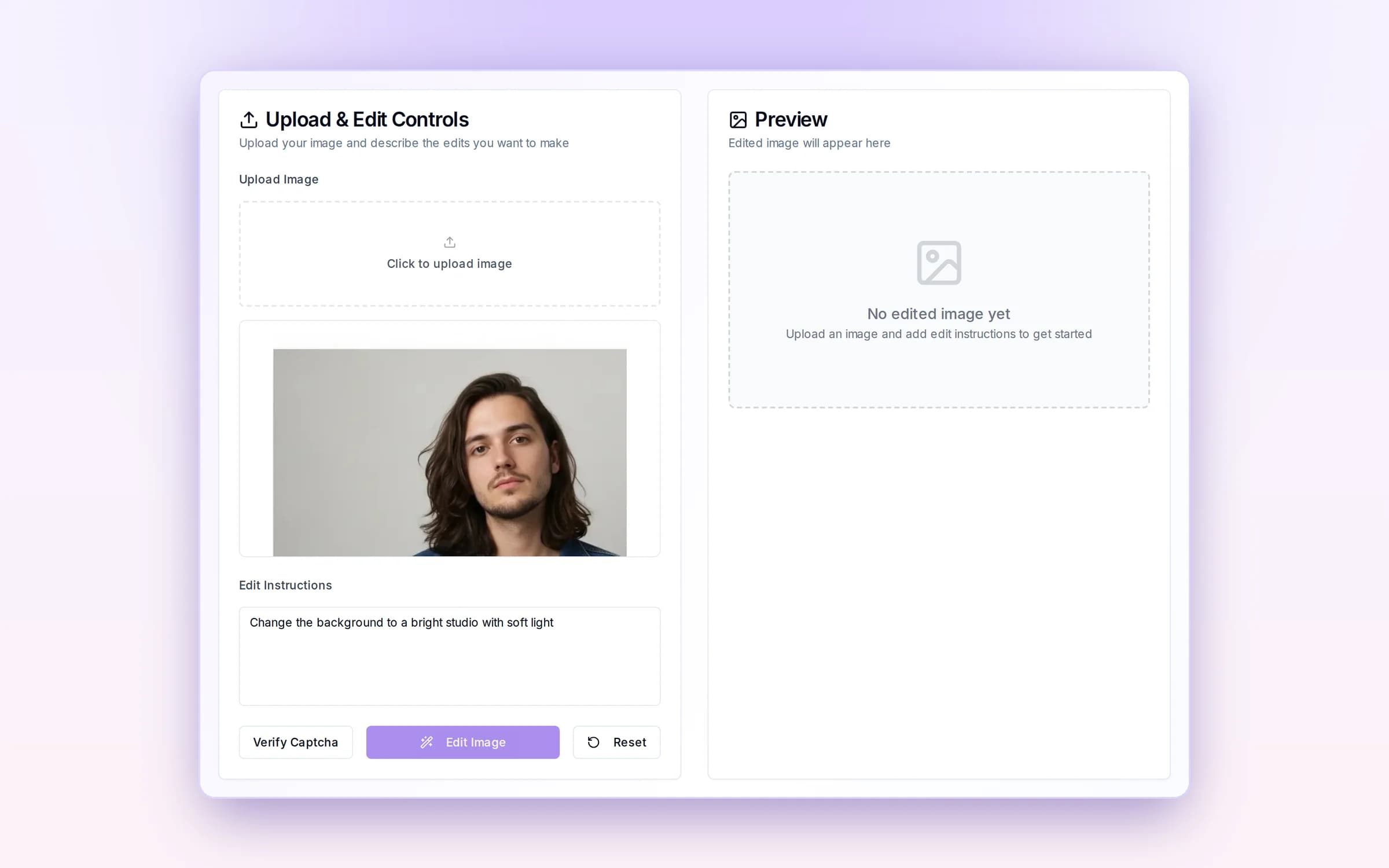
Edit by prompt
Just ask. The AI finds the tool.
Type what you want in the editor's AI chat. Simple edits like trims, fades and text are made for you; for anything else it opens the right tool, ready to run. You can undo and keep refining in plain words.
Tools it can open
- Colour grade
- Generate assets
Brighten it and correct the colours.
Colour grade — filters and colour correction
Create a video after this photo, with the camera slowly zooming in.
Generate assets — new AI clip that starts from the photo
AI Photo Editing in Plain Words

Edit by Text Prompt
Describe the edit in plain words and the AI applies it to your photo.

Background Removal & Replacement
Remove the background, or ask for a different one.

Colour and Light
Ask for brighter, warmer or more vibrant colours, or use colour grade in the AI editor.

Free, No Account Needed
Edit a photo on flonnect.com/ai/image-editor without signing up. Each run returns one edited image to download.
Photo Editing Without Learning an Editor
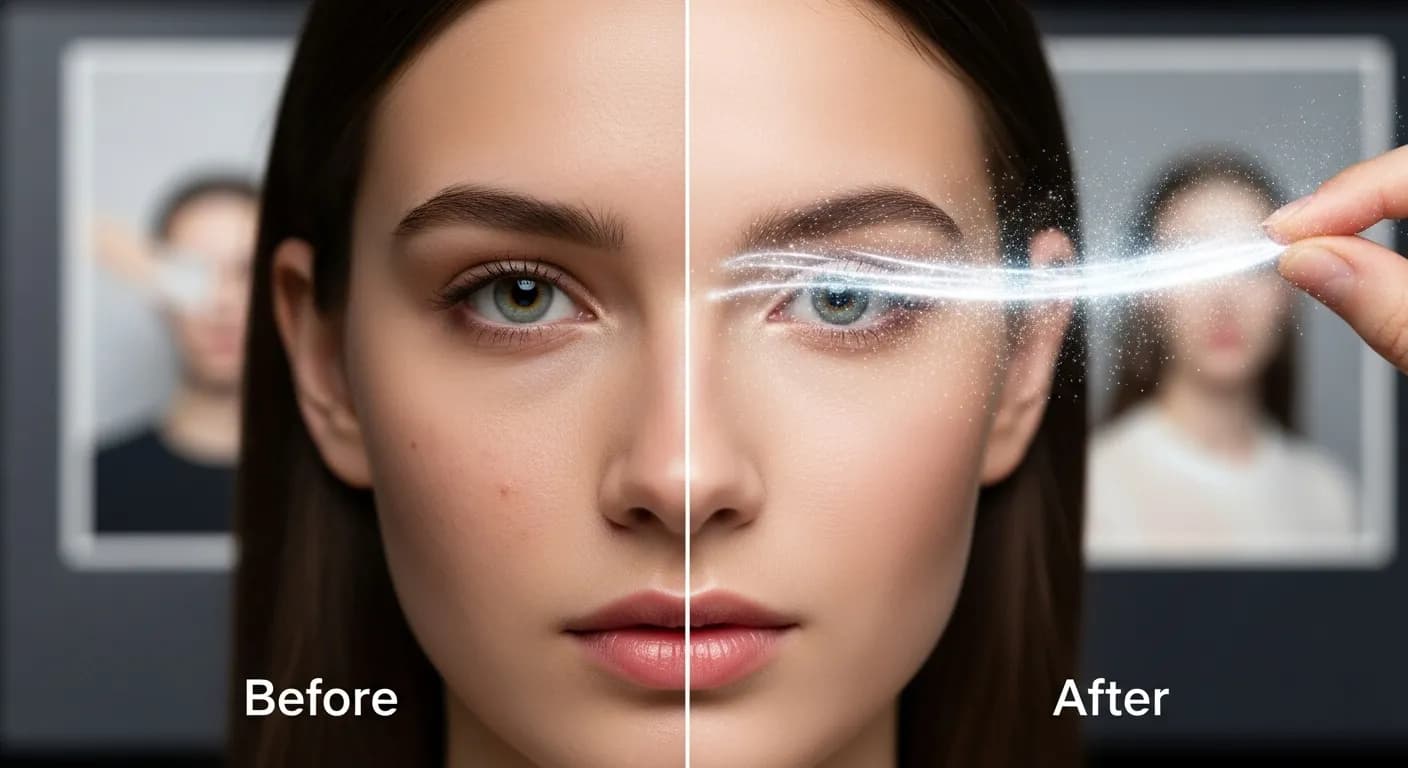
Traditional photo editing means learning tools, layers and masks before you can make a simple change. With Flonnect's AI photo editor you describe the result you want instead. Upload a photo, type something like “remove the background” or “make the colours warmer”, and the AI returns an edited image you can download. If it isn’t quite right, change the prompt and try again.
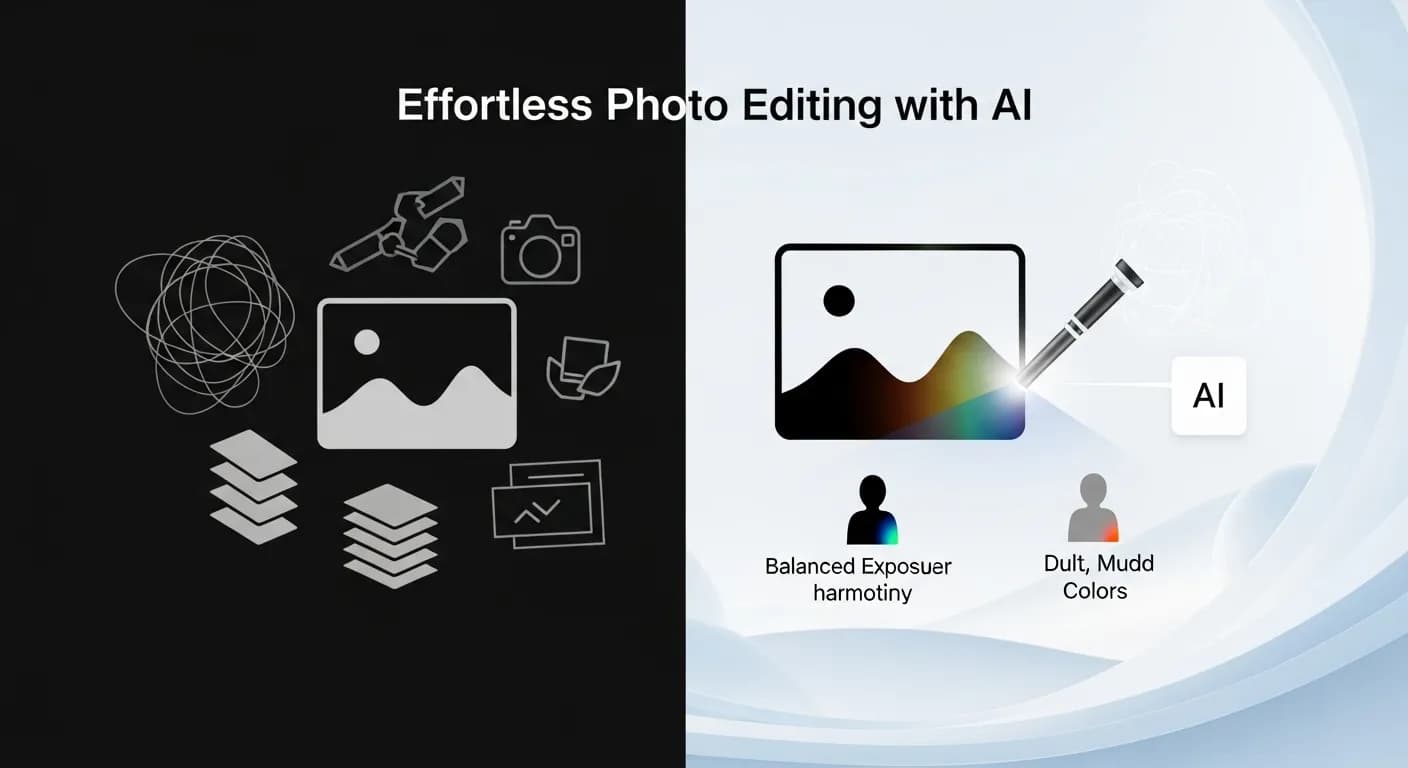
Edit a Photo with AI in Three Steps
The free AI image editor on flonnect.com/ai/image-editor edits one image at a time. To use photos in videos, the AI editor at app.flonnect.com/create adds colour grade and AI image and video generation.
Upload a photo: Choose an image from your device.
Describe the edit: Write what you want changed, for example removing an object or changing the background.
Download the result: Save the edited image, or try a different prompt for another version.


AI Photo Editing for Photographers & Creatives
Use the AI photo editor for quick changes and to try out ideas before you commit to detailed editing.
- Ask for brighter light, more contrast or different colours.
- Remove distracting objects or replace the background.
- Try several prompts on the same photo and keep the version you like.
AI Powered Image Editing for Marketers & Social Media
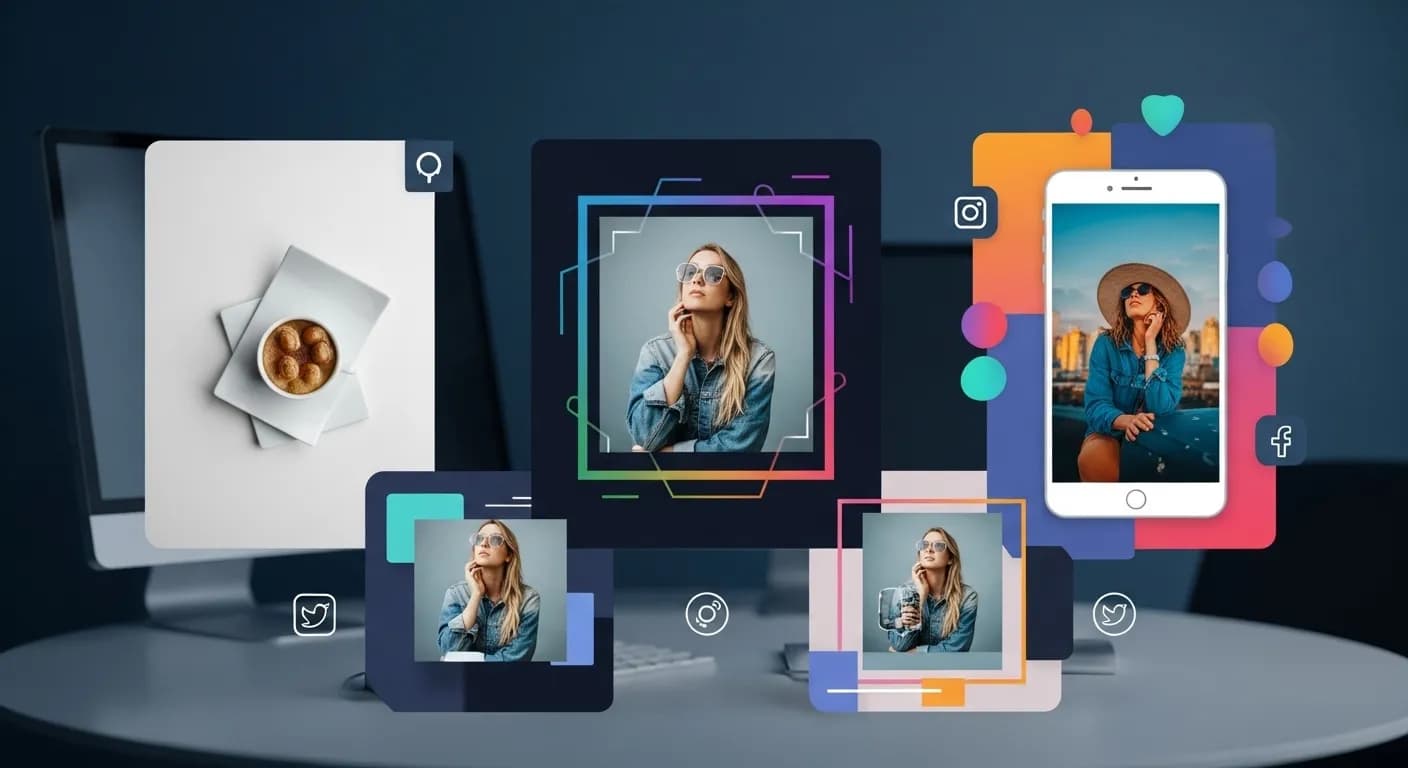
Marketing teams and creators can prepare photos for ads and social posts without waiting on a designer for every small change.
- Edit product and campaign photos by describing the change.
- Colour grade photos and use them in videos in the AI editor.
- Keep a consistent look by asking for the same colour treatment each time.
AI Photo Editing for E Commerce & Product Listings
Online sellers can clean up product photos for listings and marketplaces with a few written instructions.
- Remove the background so the product is the focus.
- Ask for a plain or styled backdrop behind the product.
- Adjust light and colour so photos from different shoots match better.
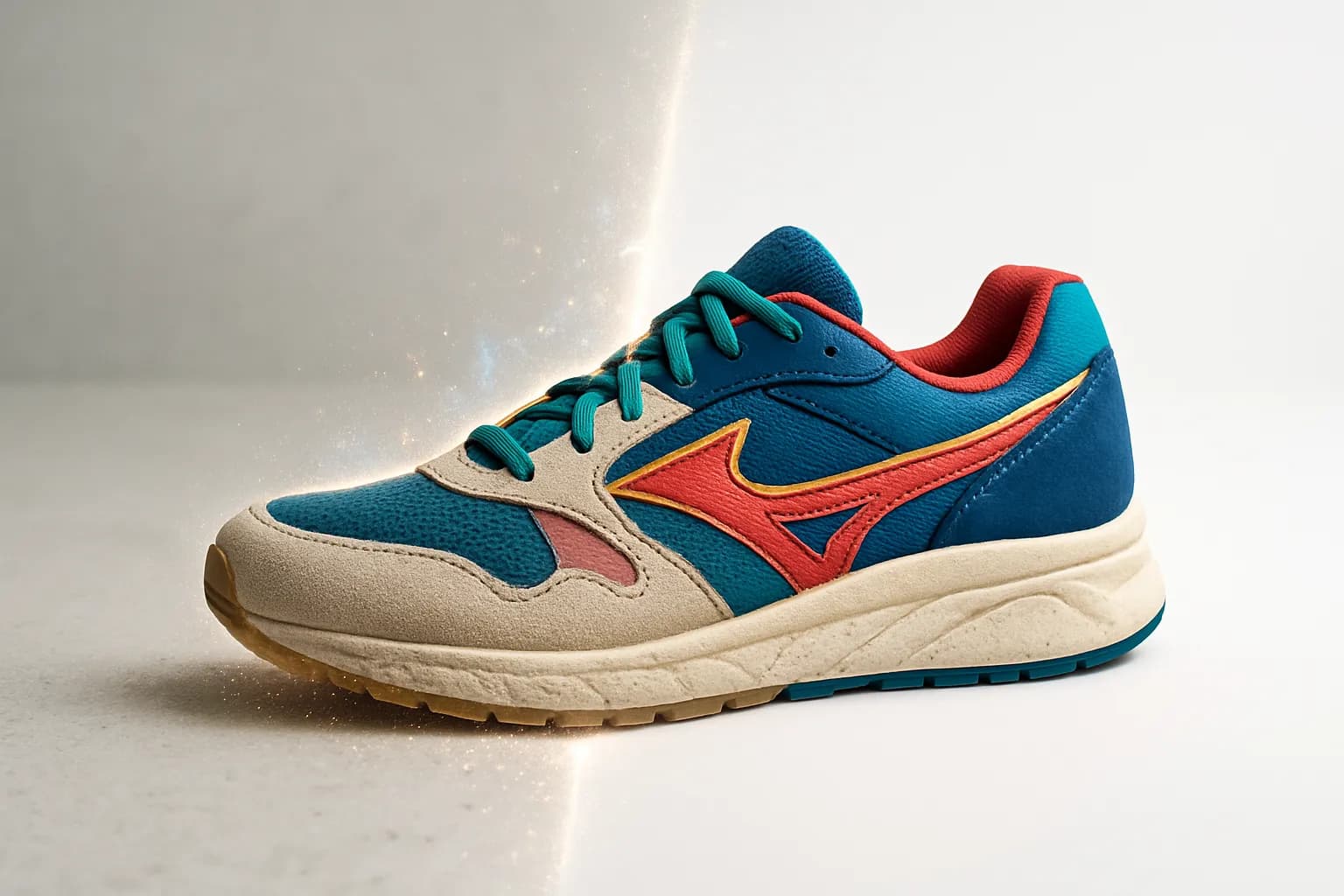
AI Photo Editor for Blogs, Magazines & Publishing
Writers and editors can prepare images for blog posts, online articles and digital publications.
- Fix lighting and colour on images for posts and articles.
- Remove objects or backgrounds that distract from the story.
- Make quick edits yourself instead of sending each image to a designer.
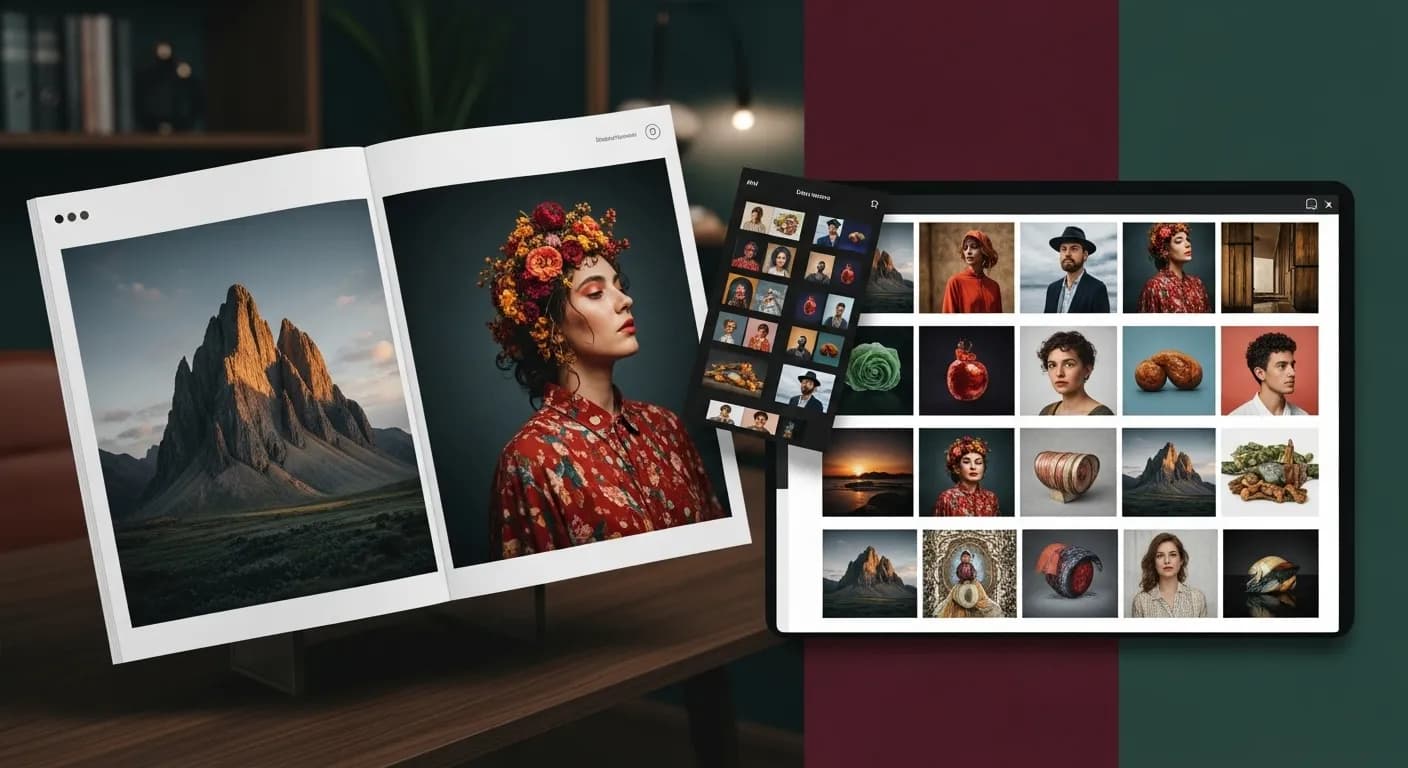
Flonnect AI Photo Editor – Edit Images with Text Prompts
Flonnect AI Photo Editor lets you edit a picture by describing the change. Branding, marketing and social posts all depend on good images, but traditional photo editing takes time and skill. Here you upload a photo, write what you want, and the AI produces the edited version. It suits photographers, small businesses, creators and online sellers who want quick edits without learning a full photo editor.
Instead of working with layers, masks and adjustment panels, you write instructions such as “remove the background”, “change the sky to sunset” or “add more vibrant colours”. The AI interprets the prompt and edits the image. If the first result isn't what you had in mind, rewrite the prompt and run it again.
Businesses use images in ads, product pages and social posts. A poorly lit or cluttered photo makes a weaker impression. The AI photo editor helps you fix the obvious problems: dull colours, a distracting background, an object that shouldn't be there. You can do this without buying editing software or booking a designer for every small change.
Creators can use the AI photo editor to prepare images for Instagram, Facebook and other platforms. Ask for the same colour treatment on each photo to keep your feed consistent, and edit by prompt instead of adjusting lighting, contrast and saturation by hand.
For e-commerce, product photos matter. Remove the background so the product stands alone, ask for a plain or styled backdrop, and adjust colour and light so photos taken at different times look closer to each other. Flonnect also has a free AI background remover and an AI background generator for these jobs.
Photographers and designers can use prompt-based editing as a fast first pass or to test ideas. Try a few directions on the same photo, keep the one that works, and do any detailed retouching in your usual tools.
Bloggers, publishers and media teams can prepare editorial images the same way: fix the light, remove a distraction, change the background. The free AI image editor on flonnect.com/ai/image-editor edits one image at a time. Flonnect's AI video editor at app.flonnect.com/create (it needs an account) lets you use photos in videos: colour grade them, generate AI images and video clips, and ask the AI agent for changes in plain words.
Flonnect AI Photo Editor is for anyone who knows what they want a photo to look like but doesn't want to learn an editor to get there. Upload a photo, describe the edit, and download the result.
FAQ
Questions, answered
More AI tools in Flonnect
- AI Image GeneratorDescribe an image and download it. Free, no account needed.
- AI Art GeneratorPaintings, illustrations and other styles from a sentence. Free.
- AI Background RemoverUpload a photo and download it without the background. Free.
- AI Thumbnail GeneratorDescribe a thumbnail, pick the size and download it. Free.
- AI Video GeneratorDescribe a video in a sentence; the AI writes it and makes it with a voice and music.
- AI Text to VideoTurn a topic or your notes into a narrated explainer video.
Describe the Edit, Let AI Make It
Edit photos with text prompts, then use them in videos and share them from Flonnect.
No credit card required • Free forever plan available