Coming soonYour AI agent can attend meetings for you. See how →

AI Text to Video Generator
Turn Text into Video With an AI That Writes the Narration
Paste your notes, an article or a short brief into Flonnect's AI text to video generator. The AI writes the narration from it, makes the scenes, and puts the video on a timeline you can keep editing. No editing skills needed.
Edit by prompt
Just ask. The AI finds the tool.
Type what you want in the editor's AI chat. Simple edits like trims, fades and text are made for you; for anything else it opens the right tool, ready to run. You can undo and keep refining in plain words.
Tools it can open
- Write a script
- Create with AI
- Voice studio
- Smart captions
- Translate audio
- Generate assets
Turn this blog post into a 45-second explainer.
Create with AI — Explainer type: the AI writes the narration and makes the video
Narrate it in a warm female voice.
Voice studio — text to speech added
Add captions.
Smart captions — opens Smart captions to add styled, animated captions
Make a Spanish version of the narration.
Translate audio — opens Translate audio: new Spanish narration in a stock AI voice
Turn Written Content into Videos You Can Edit

Text to Video
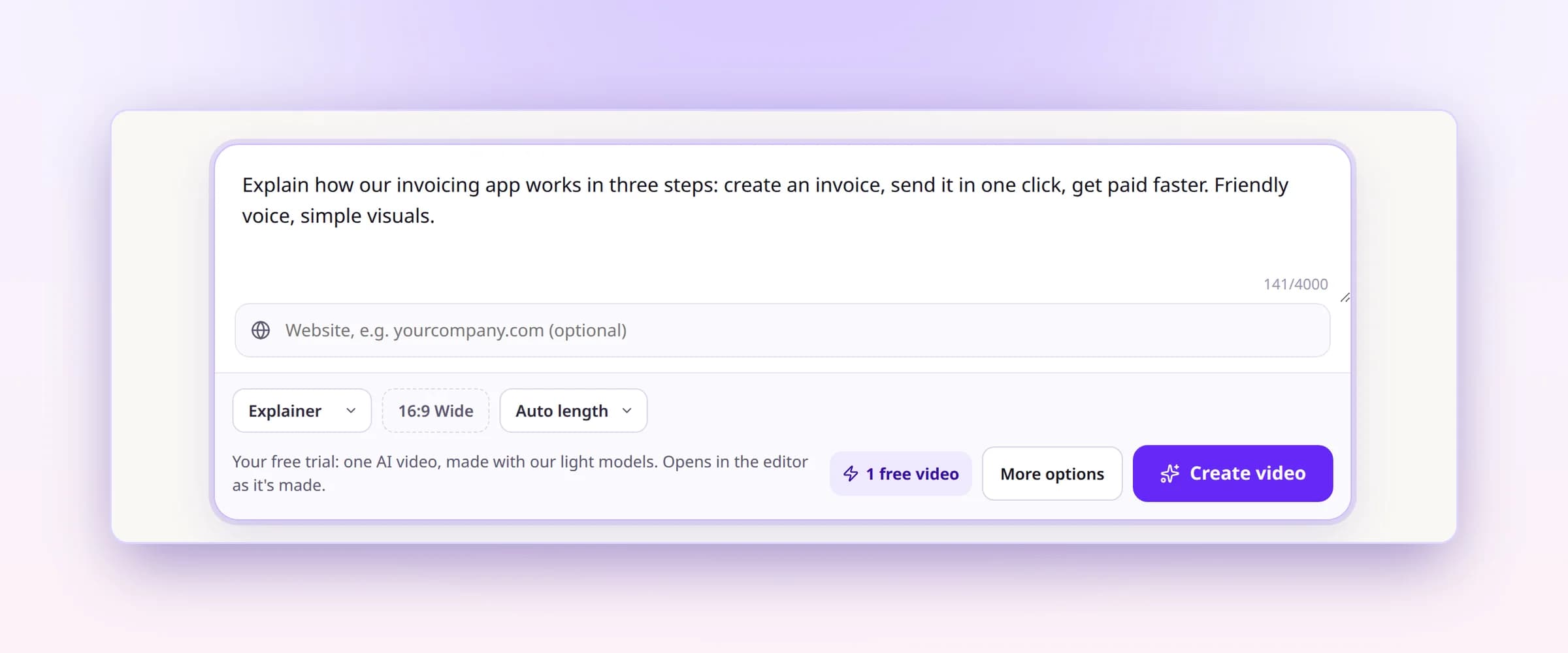
Write a prompt or paste your notes or a draft script. The AI writes the narration from it and turns it into a video with scenes.

Video Types
Explainer suits most text: a walkthrough of a real website or a pitch drawn as mock-up screens. Brand film, Product video, Narration and Reel are there too.

Voiceover & Captions
Add text-to-speech or your cloned voice, plus smart captions on screen.

Your Own Material
Add up to 4 reference photos or your website so the video uses real visuals. Reels and brand films can also use up to 3 of your clips.
From Script to Video Without Starting From a Blank Timeline
Building a video from a script usually means finding footage, recording narration and cutting it all together by hand. In Flonnect you give the AI your text, it may ask a couple of questions, and then it writes the narration and makes the video. The result opens on a multi-track timeline, where you can change any scene or ask the AI agent for edits in plain words.

How the AI Text to Video Generator Works
Text to video in Flonnect runs through Create with AI in the editor. Three steps take you from words to a finished video.
Write or paste your text: Pick a video type, usually Explainer, and give the AI your notes or prompt, with optional photos or your website.
Let the AI make it: Answer any questions, and the AI writes the narration and makes the video. Your Brand Kit adds your logo, accent colour and font.
Edit and export: Adjust the video on the timeline, add captions or a translated narration, and download it as an MP4 or share a link.


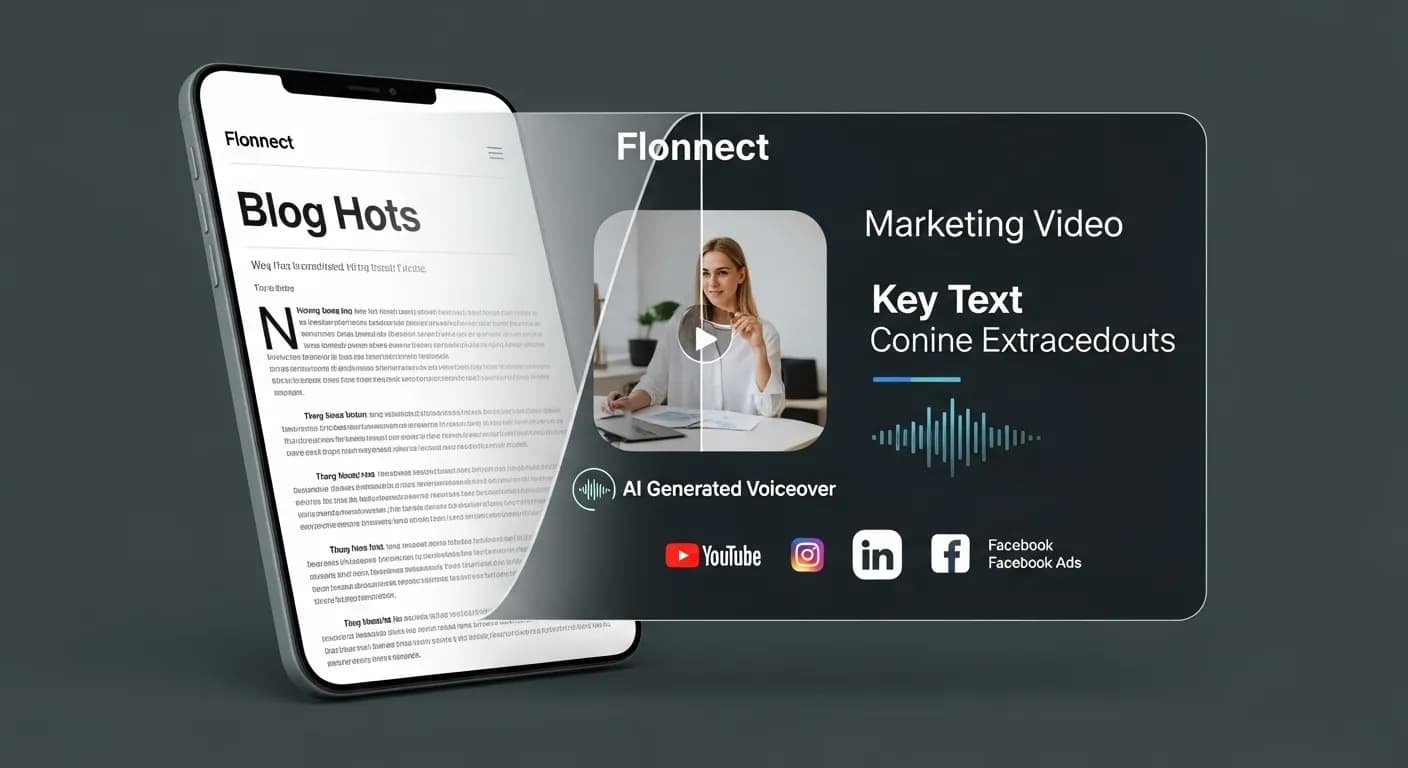
AI Marketing Video Generator – Turn Blog Posts into Promo Videos
Get more use out of content you have already written by turning it into video.
- Paste a blog post into an Explainer, or give the Product video type your product page link.
- Narrate with a text-to-speech voice or your cloned voice, and add your own clips on the timeline.
- Explainers are 16:9 by default and can also be 9:16 or 1:1; product videos are 9:16 by default.
AI Social Media Video Creator – Turn Posts into Short Videos
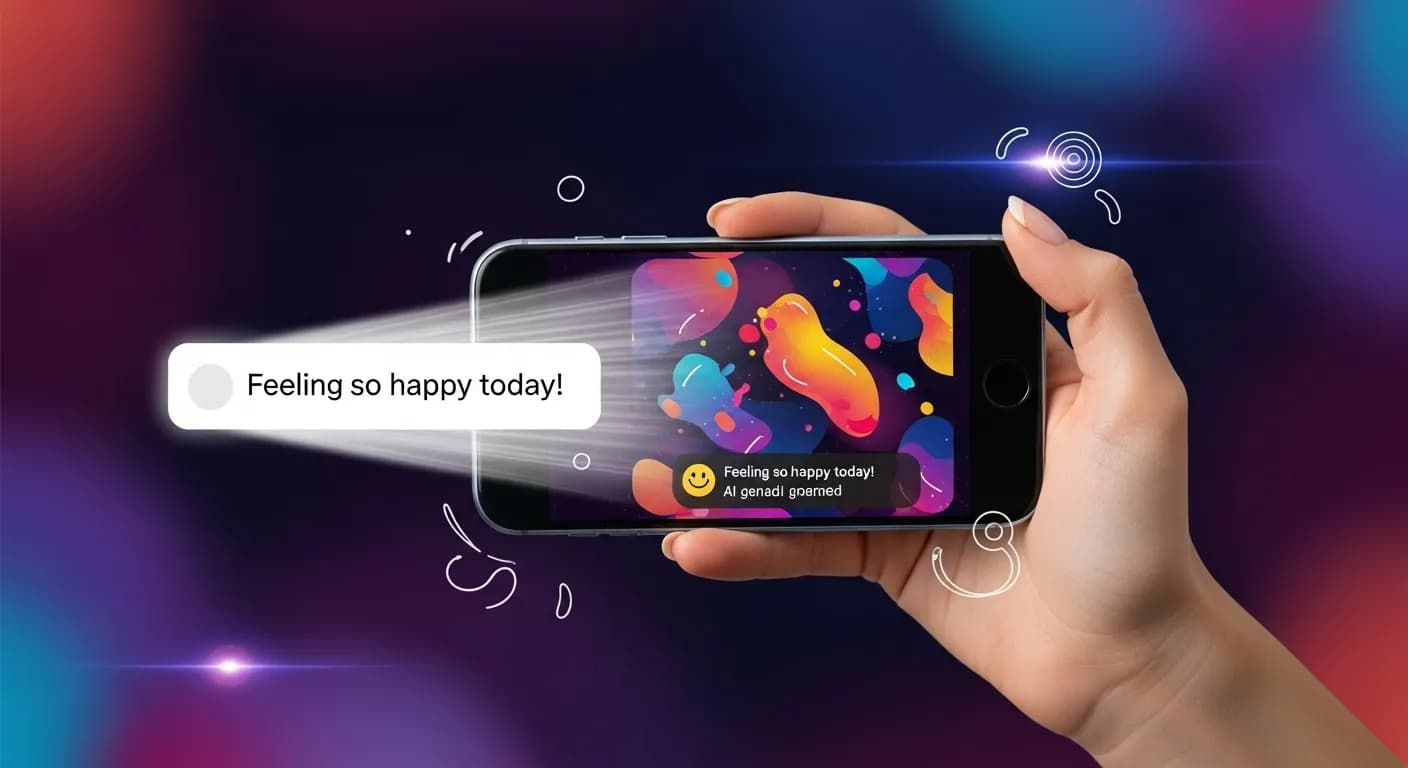
Turn social posts, threads and captions into short videos.
- Use the Reel type for a 9:16 video of 15 to 30 seconds; the AI picks the format.
- On the AI Plan, make hook variants of a finished story ad or promo to test different openings.
- Add smart captions for viewers who watch on mute.
AI Explainer Video Maker – Turn Scripts into Explainer Videos
Turn a written script into an explainer video for a product, a startup pitch or a demo.
- Pick the Explainer type and paste your script or notes; the AI writes the narration from them.
- Choose a walkthrough of your website or a pitch drawn as mock-up screens.
- Export the finished video for presentations, social media or your website.
AI Educational Video Generator – Lessons as Videos
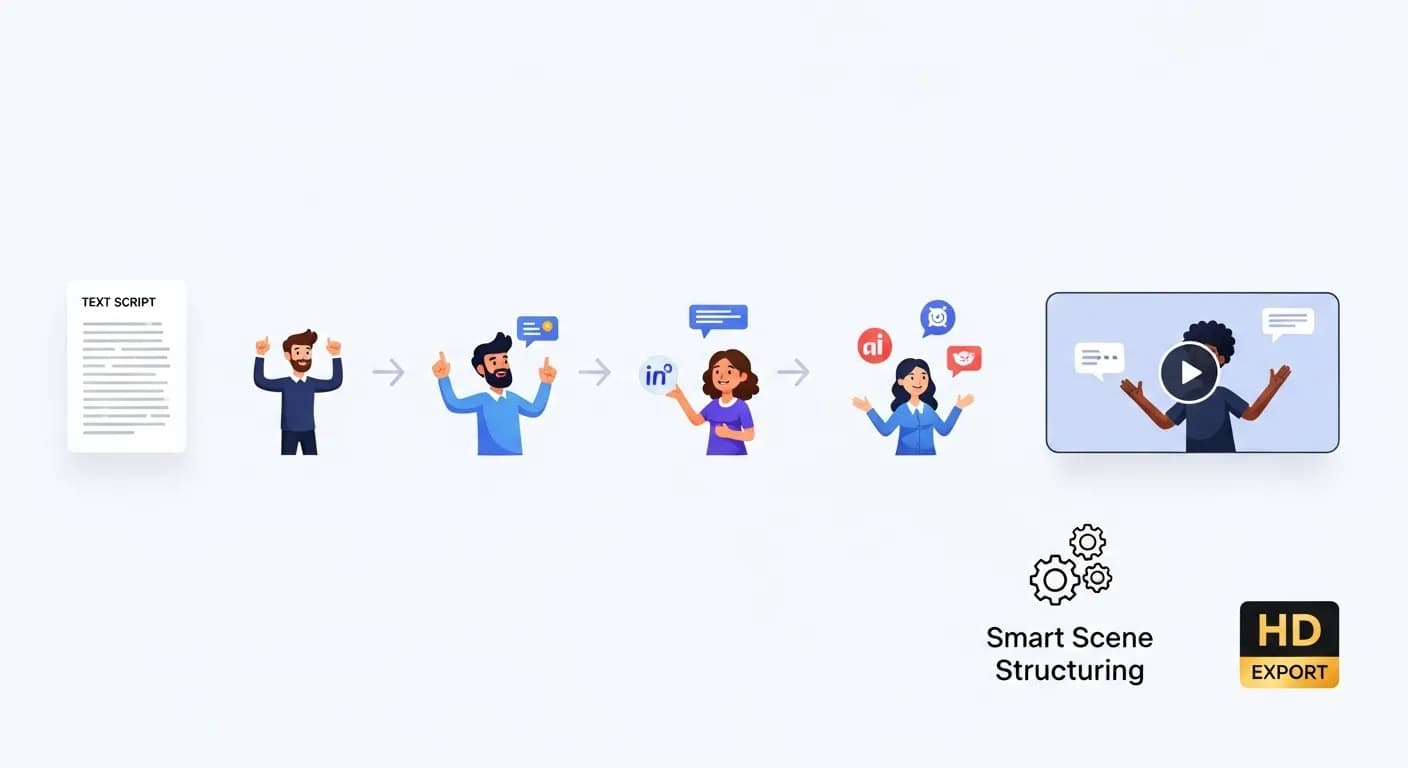
Educators can turn slide decks into narrated video lessons.
- Turn a lesson's slide deck into a narrated video with PPT/PDF to Video.
- Add captions and translate the audio for learners in other languages.
- Export videos to use on your course platform or YouTube.
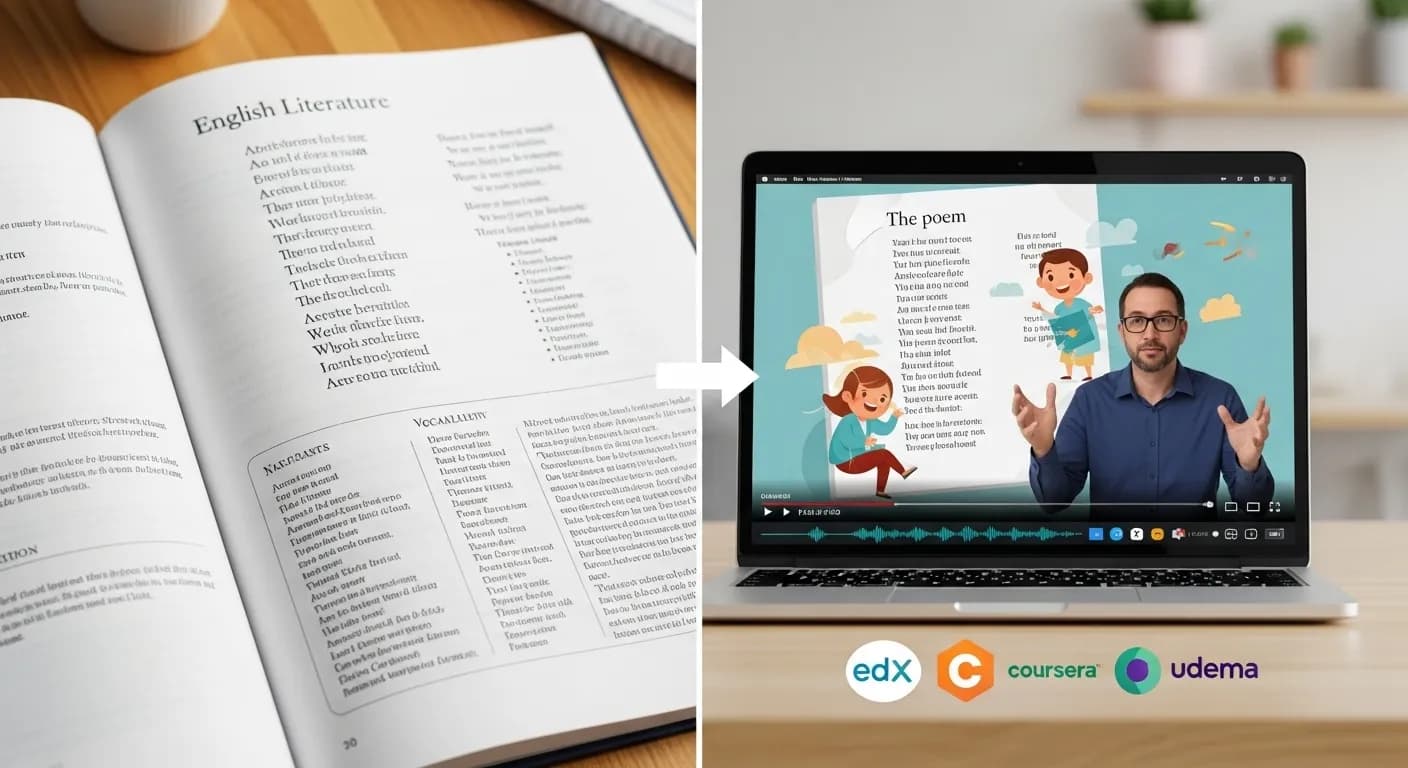
Flonnect AI Text to Video Generator – Turn written content into video
Flonnect's AI text to video generator turns written content into a video. Making a video from text usually means writing a script, finding visuals, recording narration and editing it all together. Here you give the AI your text, and it handles the first draft of the video so you can spend your time on the message.
You can start from a blog post, a product page, your notes or a short brief. Most text works best as an Explainer: the AI writes the narration from what you give it and makes a walkthrough of a real website or a pitch made of drawn mock-up screens, 30 to 120 seconds long. Brand film, Product video, Narration and Reel are also available. Add up to 4 reference photos or your website if you want the video to use real material; reels and brand films can also use up to 3 of your own clips. If the brief is unclear, the AI may ask a couple of questions before it writes the script.
The AI writes its own narration rather than reading your text word for word, so paste notes or a draft rather than a final script. If you need exact wording, type it into Voice studio's text to speech in the editor. Smart captions add styled on-screen captions, which helps people who watch without sound. For other languages, explainers can be narrated in 16 languages, and Translate audio makes a new narration in another language with a stock AI voice.
Businesses can turn existing written content into short videos for their website, social channels or email campaigns. Your Brand Kit applies your logo, accent colour and font by default, so each video looks like it came from the same company, and your own brand track is used as music only if you pick it. On the AI Plan, hook and language variants let you try different openings and languages for a finished story ad or promo.
Creators can turn posts, threads and scripts into short videos. For TikTok, Instagram Reels or YouTube Shorts, choose the Reel type, which is made in 9:16, or make an explainer in 9:16 instead of the default 16:9.
Teachers and course creators can turn a slide deck into a narrated video with the PPT/PDF to Video tool, which can write the narration for each slide. If you only have notes, Write a script drafts a script you can voice with text to speech. Captions and translated audio make the lessons easier to follow for more students.
Startups and small businesses can use it for product explainers, pitch videos and website walkthroughs without hiring a production company. If a scene doesn't say what you mean, change it in the editor or ask the AI agent for an edit.
Unlike a one-shot generator, Flonnect puts the result on a full multi-track timeline. You can replace a scene, change the narration, cut a section or type an instruction to the AI agent, and every change can be undone.
If you have the words and need a video, Flonnect AI text to video generator gets you a first cut you can edit, for marketing, education, business presentations or social media.
FAQ
Questions, answered
More AI tools in Flonnect
- AI Video GeneratorDescribe a video in a sentence; the AI writes it and makes it with a voice and music.
- AI Ad GeneratorProduct videos made from your product page or photos, vertical, square or wide.
- AI Short Video CreatorVertical reels from a product or idea, or short clips picked from a long video.
- AI Social Media Video MakerReels and square videos for social posts, with captions.
- AI Animated Video MakerNarrated videos made of AI images and short AI clips, or a brand film from your website.
- AI Avatar Video CreatorShort product review reels with an AI presenter, on paid plans.
AI Text to Video Generator, From Words to a Finished Video
Write it, let the AI make it, and edit the video in the same place
No credit card required • Free forever plan available