Coming soonYour AI agent can attend meetings for you. See how →

AI Short Video Creator
Create Short Videos from Long Recordings or a Prompt
Flonnect's AI short video creator finds the best moments in a long video, crops them to vertical and adds captions. You can also generate a new video from a prompt and reframe it for Shorts, Reels and TikTok.
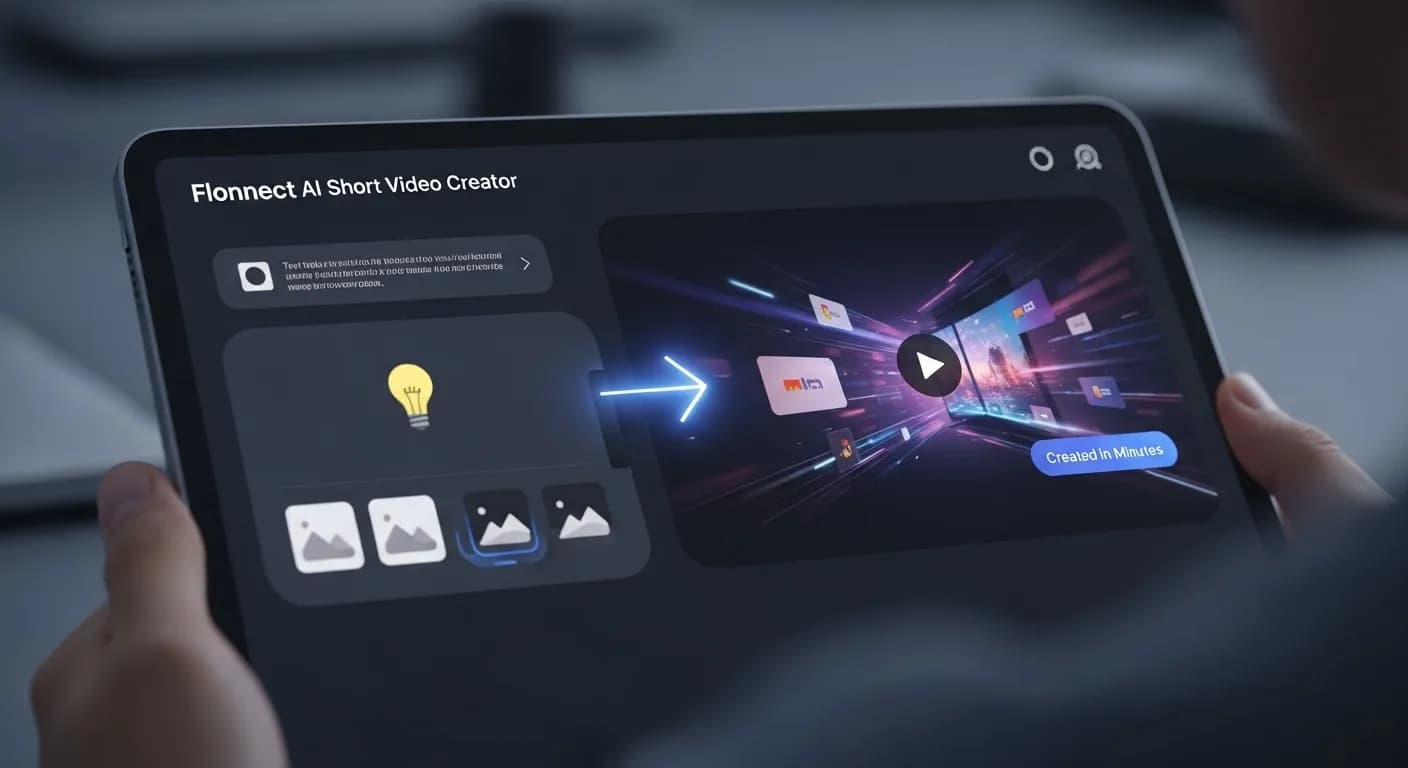
Edit by prompt
Just ask. The AI does the editing.
Type what you want in the editor's AI chat. The agent picks the right tool, applies it to your timeline, and you can undo or keep refining in plain words.
Tools the agent can use
- Find short clips
- Auto reframe
- Smart captions
- Remove fillers & silence
- Generate assets
- Voice studio
Find the best moments in this webinar for shorts.
Find short clips — picked the strongest moments to repurpose
Crop them to vertical and keep the speaker centred.
Auto reframe — smart crop for 9:16
Add bold animated captions.
Smart captions — styled, animated captions
Cut the dead air at the start.
Remove fillers & silence
Make Short Videos from What You Already Have

Find Short Clips
Upload a webinar, podcast or demo and the AI picks the strongest moments to repurpose.

Auto Reframe to Vertical
Smart crop to 9:16, square or any other ratio while keeping the subject in frame.

AI Voiceovers & Smart Captions
Add text-to-speech or a cloned voice, plus styled, animated captions.

Remove Fillers & Silence
Cut ums, ahs and dead air so each clip gets to the point.
Short Video Creation for Social Media & Marketing
A good short video gets to the point fast, reads without sound and fits a vertical screen. Flonnect's AI editor handles the slow parts: it finds clips worth posting, removes filler words and silence, adds captions and reframes to 9:16. You tell the agent what you want in plain words and review the result on a multi-track timeline.
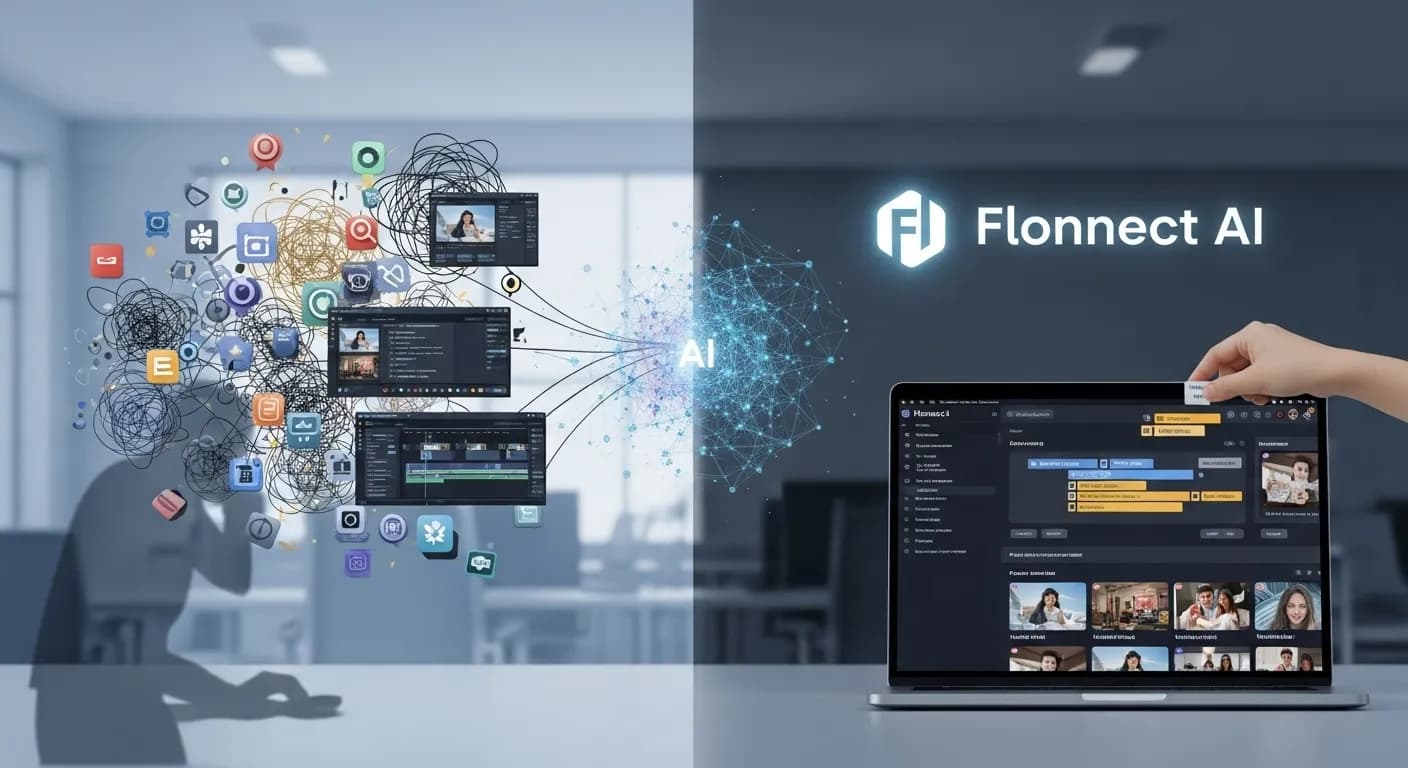
Produce Short Videos with AI
Flonnect AI Short Video Creator is for creators, social media managers, businesses and marketers who need a steady supply of short videos.

Start from a video or a prompt: Upload a long recording, or use Create with AI to generate a new video from a prompt and reference photos.

Let the agent cut it down: Ask for the best moments, remove fillers and silence, and add captions.

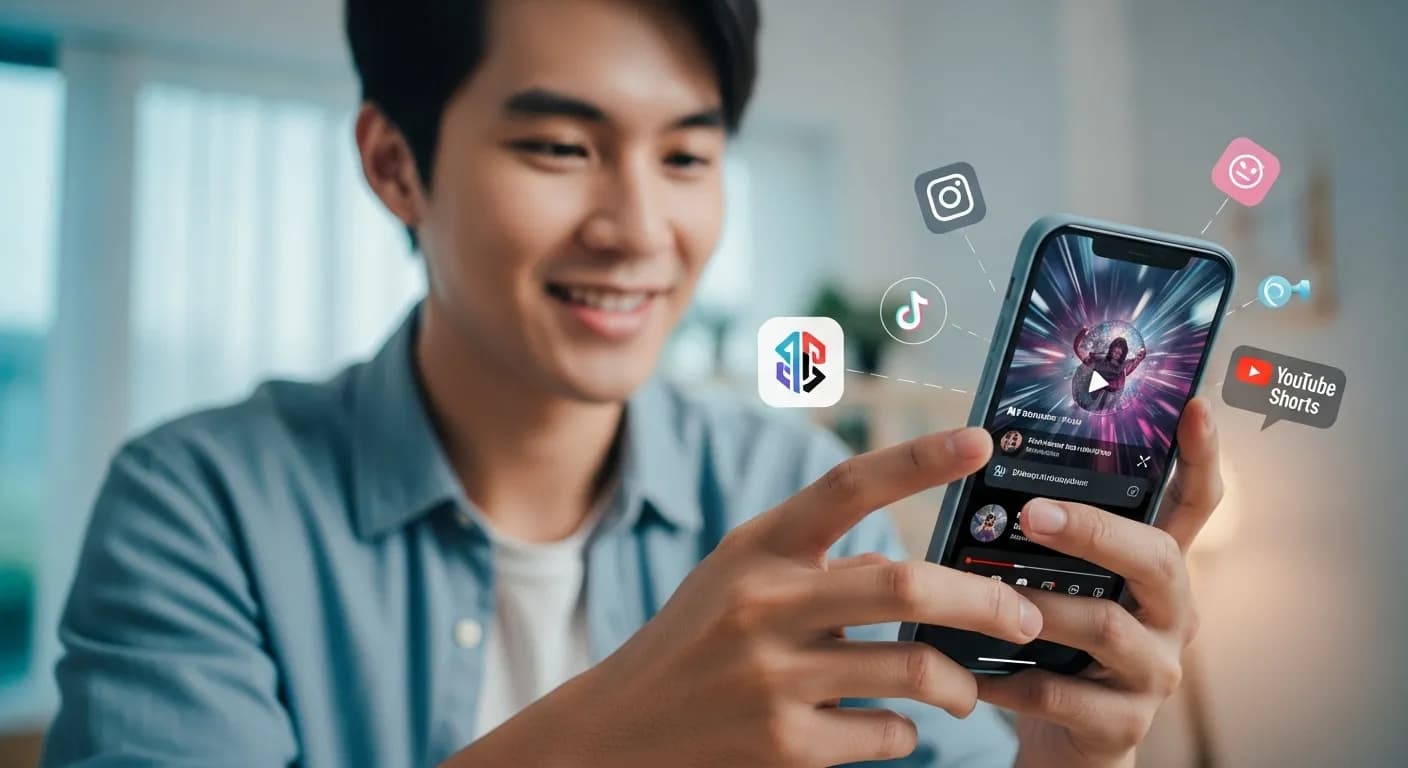
Reframe for each platform: Auto reframe crops to vertical for TikTok, Instagram Reels and YouTube Shorts, or to square for feeds.
AI Short Video Maker for Social Media Creators
Creators can turn streams, podcasts and long videos into Shorts, Reels and TikToks without editing each one by hand.
- The AI picks the strongest moments of a long video as separate clips.
- Smart captions add styled, animated subtitles that work on mute.
- Enhance audio and colour grade in the same editor.
AI Powered Short Video Ads for Marketers & Businesses
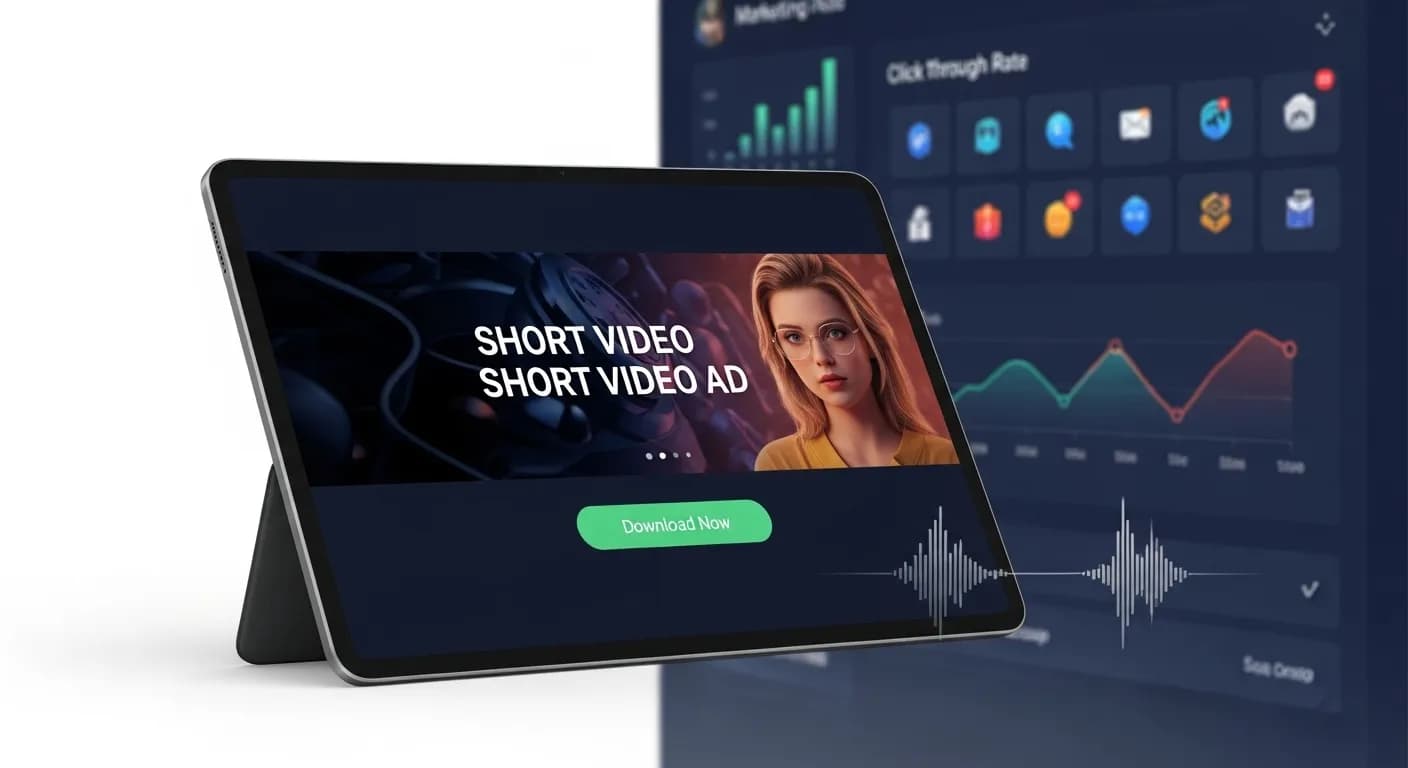
Businesses can make short video ads and promos from a prompt or from footage they already have.
- Create with AI drafts a video from a prompt, photos, your website or your own clips.
- You approve the story before it renders, and your brand kit is applied.
- Hook variants give you several openings to try on the same video.
AI Short Video Creator for Product Promotions & E Commerce
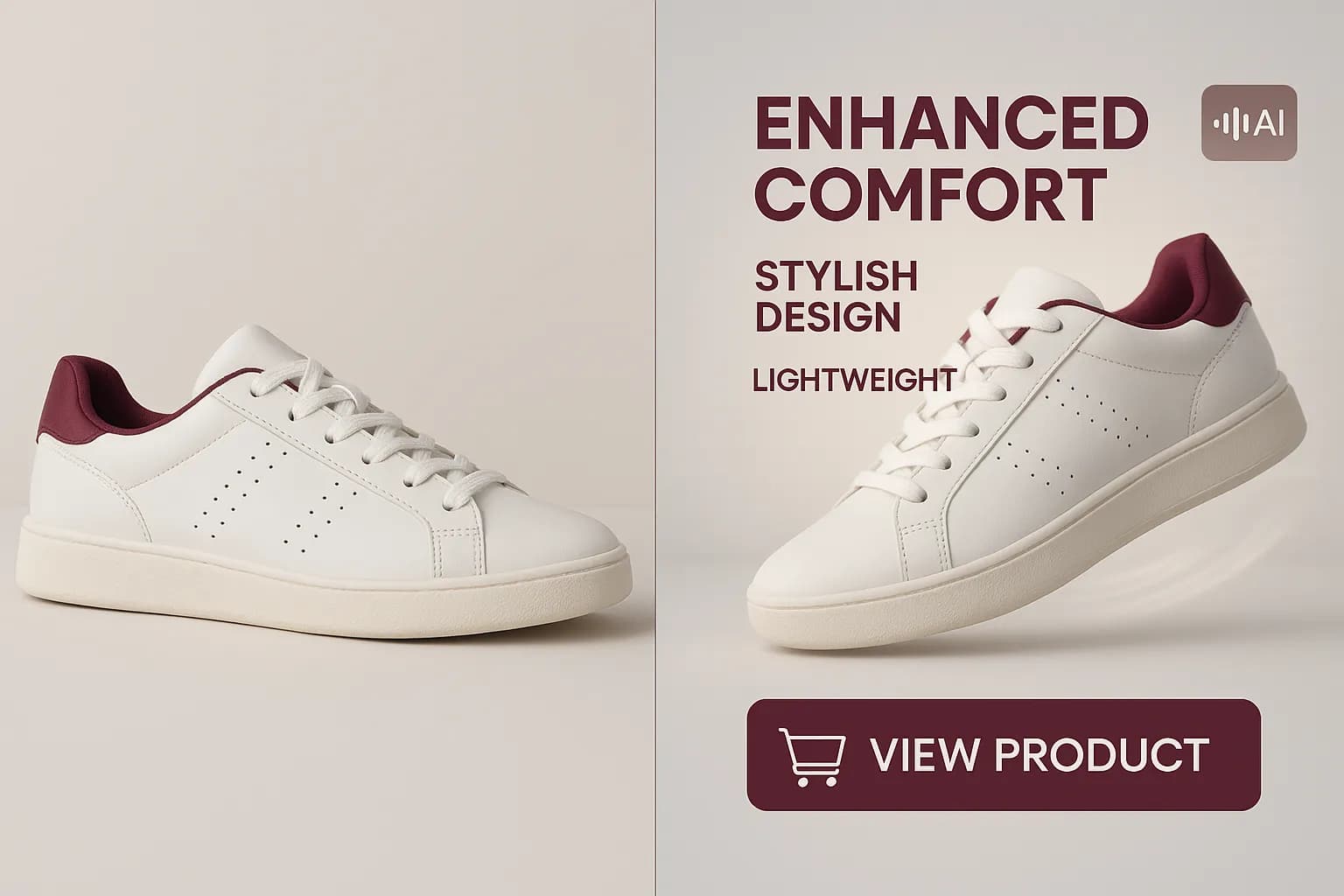
Online stores and brands can make short promotional videos from product photos.
- Pick the Product video type and add up to four product photos.
- Generate extra shots, images or sound with the AI model you choose.
- Add a voiceover with text-to-speech or your own cloned voice.
AI Short Video Creator for Educational Content & Tutorials
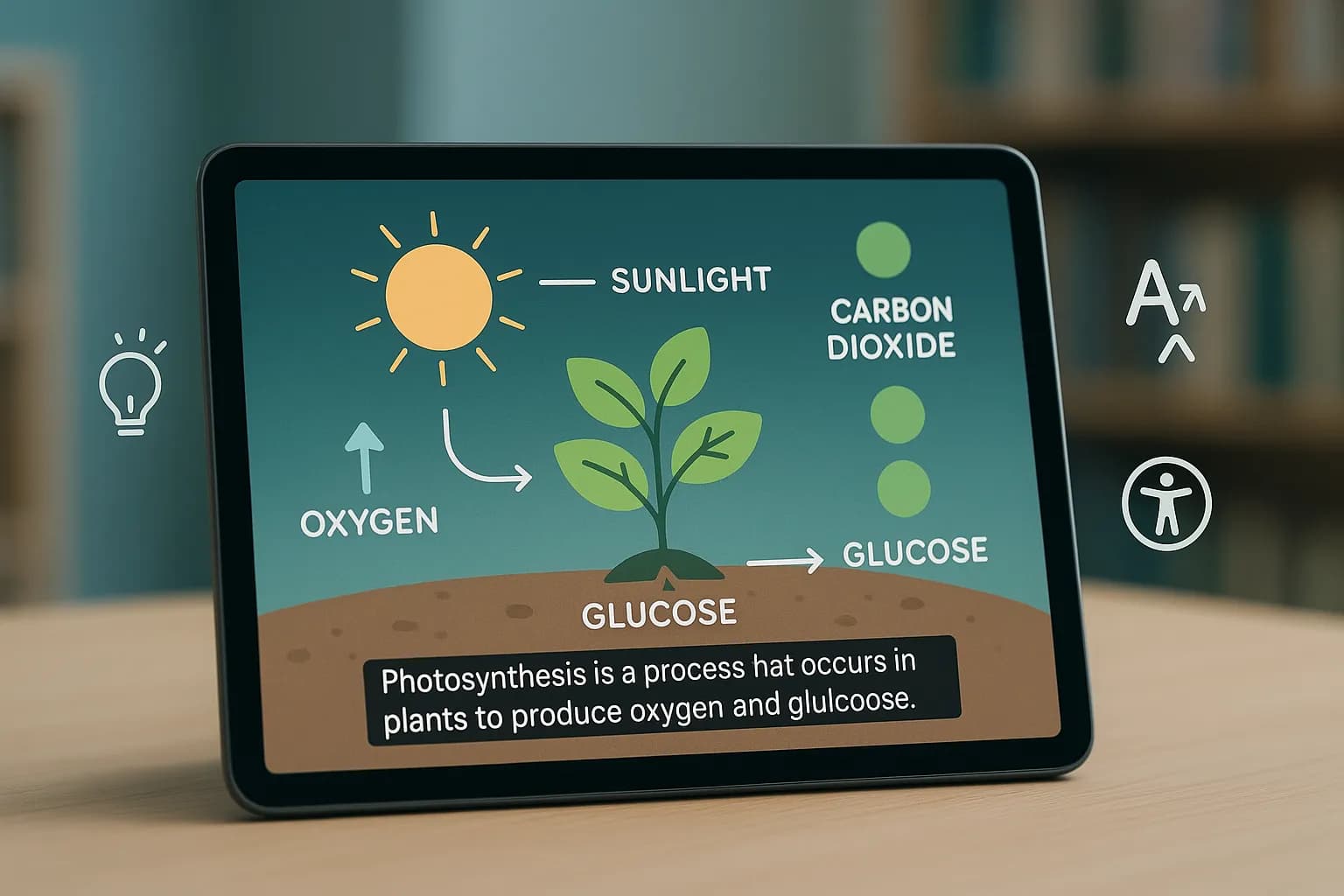
Educators and trainers can turn long lessons into short videos that each cover one idea.
- Find short clips pulls the key moments out of a recorded lesson or lecture.
- Smart captions make lessons easier to follow, and translate audio adds other languages.
- Record a lesson with the Flonnect screen recorder, then cut it into shorts in the editor.
Flonnect AI Short Video Creator - Create Professional Short Videos
Flonnect’s AI short video creator helps you make short-form videos without manual editing. Short videos are a large part of what people watch on social media, and businesses, creators and marketers need a steady supply of them. Traditional editing takes time and skill. In Flonnect’s AI editor you describe what you want in plain words, and the agent does the cutting, captioning and cropping.
The tool handles the slow parts of editing. It can find the best moments in a long video, remove filler words and silence, add smart captions, enhance audio and colour grade. Auto reframe then crops the result to 9:16 for Instagram Reels, TikTok and YouTube Shorts, or to square for feeds, keeping the subject in frame.
The first few seconds of a short decide whether people keep watching. Ask the agent to cut the dead air at the start, tighten the pacing or move the strongest line to the opening. For new videos made with Create with AI, hook variants give you several different openings to try.
Brands can make ads, product demos and promo clips without a production team. Create with AI turns a prompt, up to four reference photos, your website or up to three of your own clips into a video, after you approve the story. Your brand kit adds your logo, accent colour, font and music. Generated videos are 16:9, so use auto reframe to make vertical versions.
Creators and influencers can repurpose streams, podcasts and long YouTube videos. Upload the long video, ask for short clips, add captions and reframe. AI voiceovers, using text-to-speech or a clone of your own voice, let you add or fix narration without recording it again.
Teachers and trainers can split long lessons into short videos that each cover one idea. Record a lesson with the Flonnect screen recorder, then use find short clips to pull out the key moments. Captions make the clips easier to follow, and translate audio produces versions in other languages.
Online stores can make short product videos that show features and how a product is used. Choose the Product video type, add product photos and a link to your site, and generate hook or language variants for different audiences.
The main benefit is time. Instead of assembling clips, adjusting effects and re-exporting for each platform, you type the change and review it on a multi-track timeline. Every change can be undone, and you can edit by hand whenever you prefer.
Flonnect AI Short Video Creator puts AI image, video, voice and sound generation next to a full editor, so you can go from a long recording or a rough idea to a finished short in one place. You decide what the video should say, and the AI handles the editing.
One AI Short Video Creator, Many Clips from Every Video
Create, edit and share AI generated short videos in one place
No credit card required • Free forever plan available