Coming soonYour AI agent can attend meetings for you. See how →

AI Animated Video Maker
Make Animated Videos From a Prompt with AI
Describe the video you want, add a few reference photos or your website, and Flonnect's AI animated video maker writes the story, generates the scenes and puts them on a timeline you can edit. No animation software needed.
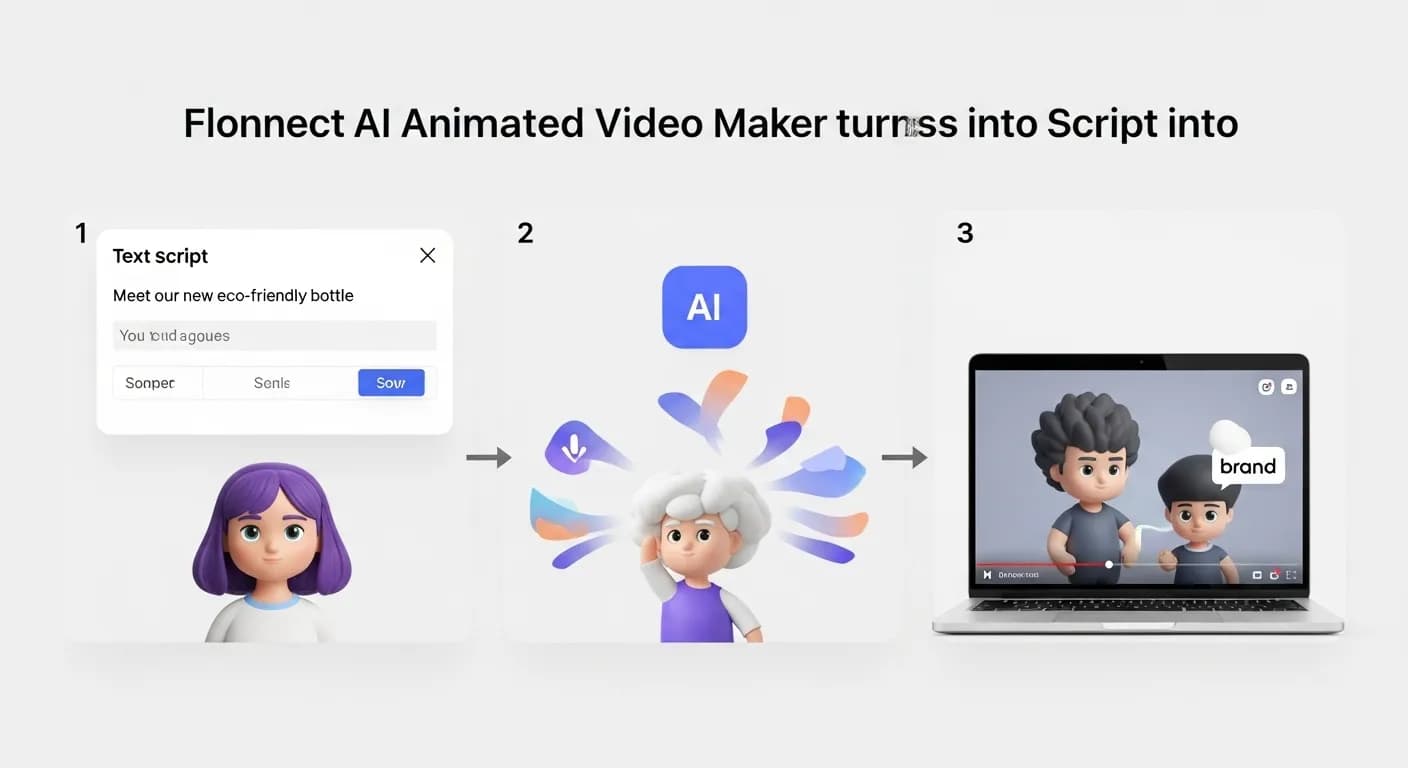
Edit by prompt
Just ask. The AI does the editing.
Type what you want in the editor's AI chat. The agent picks the right tool, applies it to your timeline, and you can undo or keep refining in plain words.
Tools the agent can use
- Create with AI
- Write a script
- Generate assets
- Voice studio
- Smart captions
Make an explainer that shows how our app works.
Create with AI — Explainer type, story to approve first
Make the second scene an animated chart.
Generate assets — new visual for that scene
Add upbeat music and a voiceover.
Voice studio — narration and music added
AI Animation You Can Still Edit

Prompt to Animated Video
Pick a video type such as Explainer or Text promo, write a prompt, and the AI builds the scenes.

Approve the Story First
The AI may ask a few questions, then shows you the story. Edit or approve it before anything is rendered.

AI Voiceover
Add narration with text-to-speech or a clone of your own voice, and dub it into another voice later.

Brand Kit & Captions
Your logo, accent colour, font and music are applied to the video, and smart captions can be added in one step.
Animated Video Creation Without Animation Software
Animated videos usually take motion graphics skills and dedicated software. In Flonnect you start from a prompt, and the AI generates the images, video clips and sound for each scene. Everything lands on a multi-track timeline, so you can swap a shot, change the text or ask the AI agent for an edit in plain words.

How the AI Animated Video Maker Works
Animated videos are made with Create with AI in Flonnect's editor. Here is the flow from idea to finished video.

Describe it: Choose a video type and write a prompt. Add up to 4 reference photos, a website or up to 3 of your own clips.

Approve the story: Answer any questions the AI asks, then edit or approve the story before it renders.

Edit and export: Fine-tune scenes, voiceover and captions on the timeline, then export.
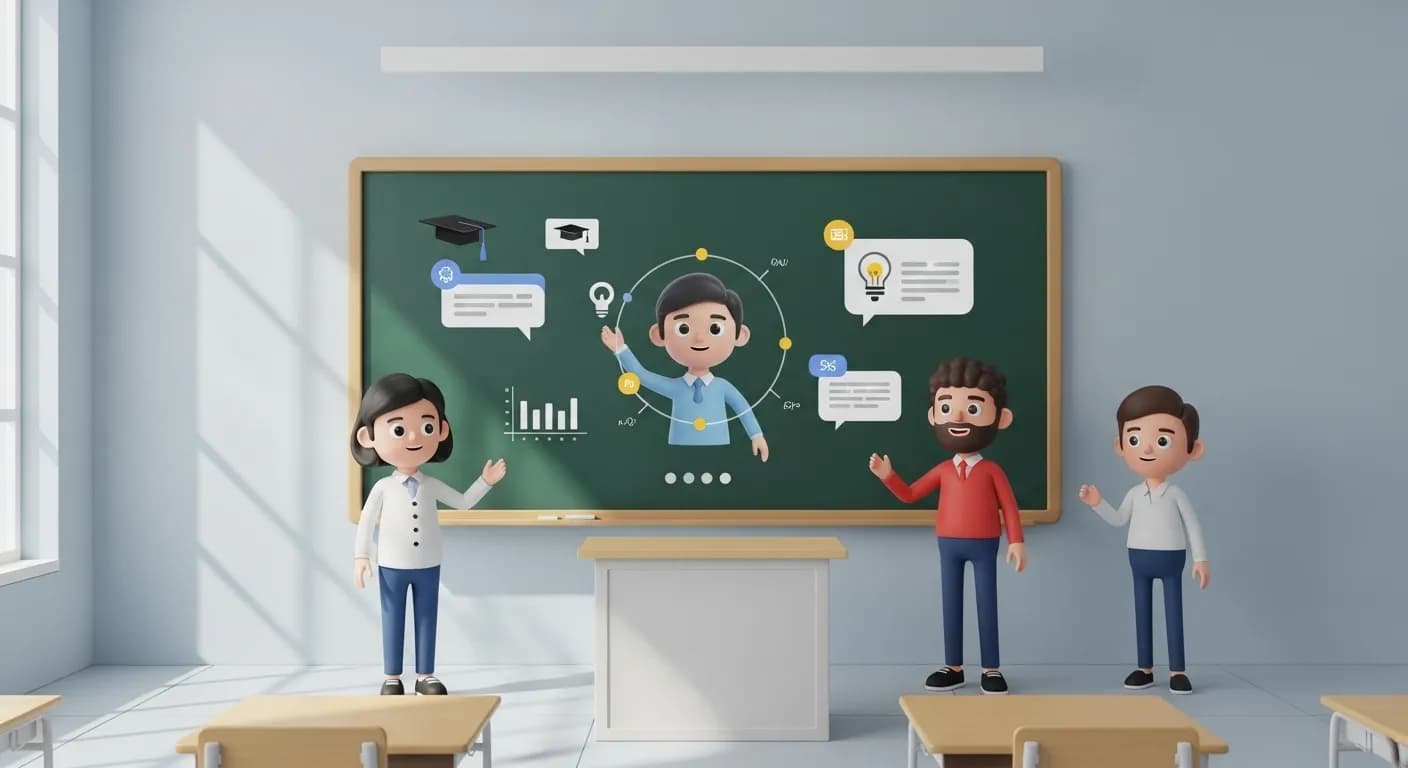
AI Explainer Video Maker – Explain an Idea Simply
Businesses and educators can turn a product or a concept into a short animated explainer.
- Pick the Explainer video type and describe the idea.
- Add your website or product photos so the AI has real material to work from.
- Add a voiceover with text-to-speech or your cloned voice.
AI Animated Ad Creator – Short Ads From a Prompt
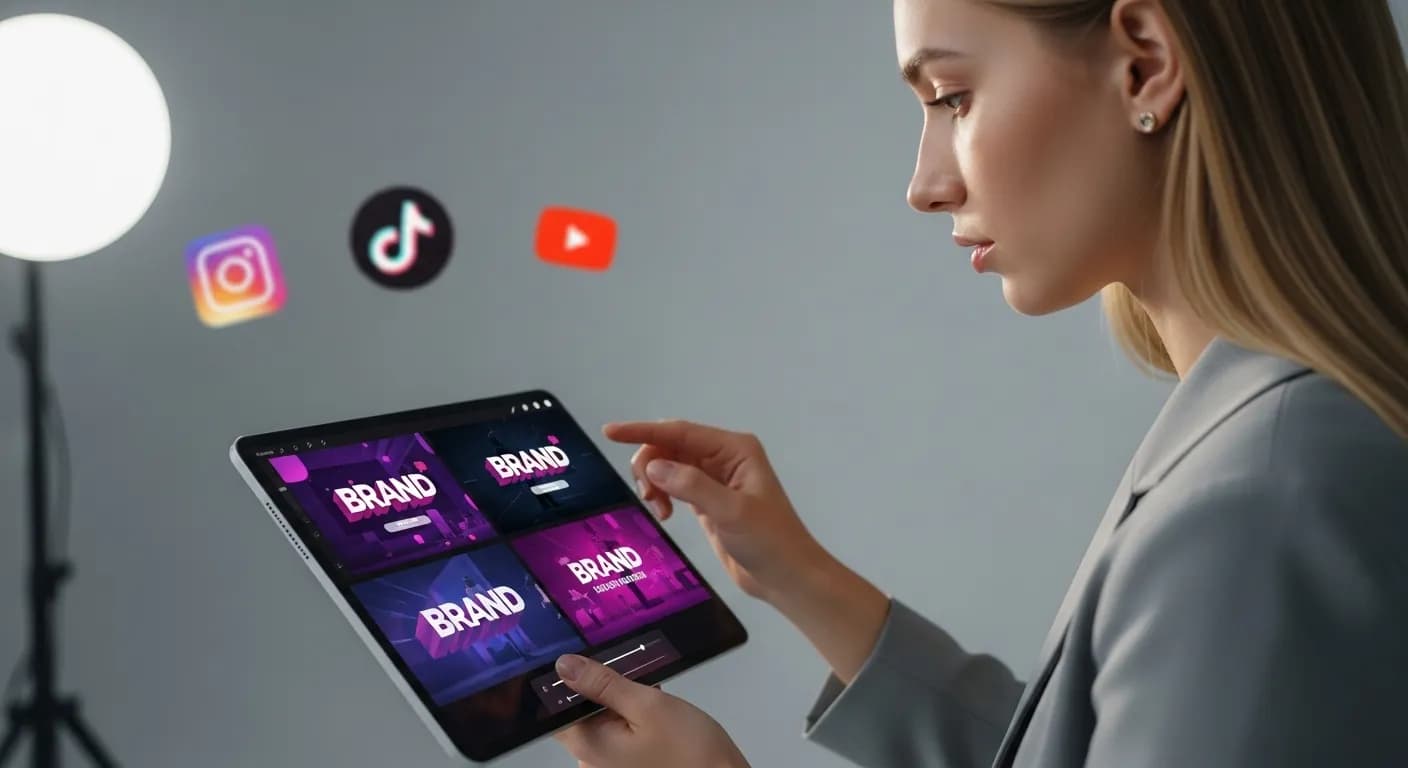
Use the Product or Text promo video types to make short animated ads for your business.
- Try several hook variants to see which opening works best.
- Your brand kit adds your logo, colours, font and music.
- Videos are made in 16:9. Use auto reframe for vertical ad placements.
AI Social Media Animation Maker – Posts From a Prompt
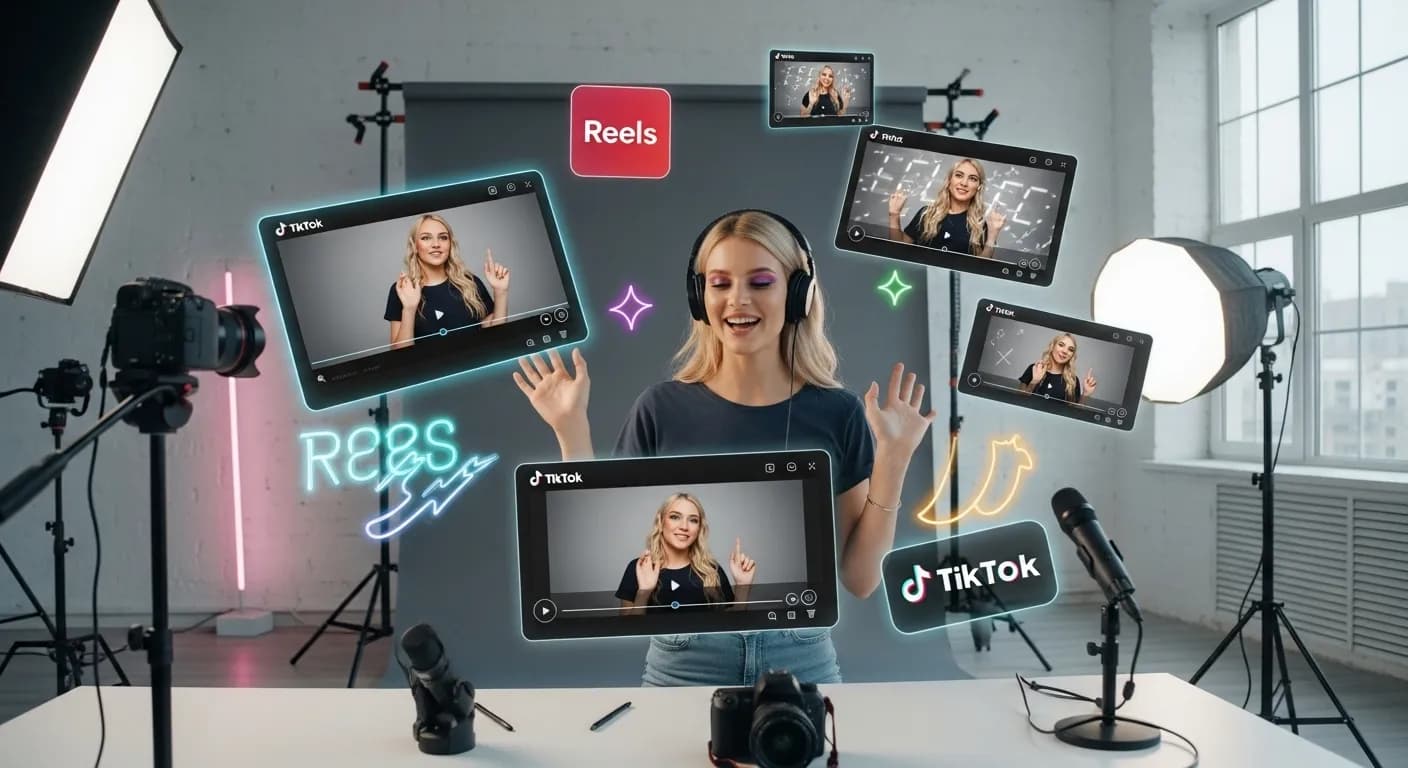
Make animated clips for your social channels without opening animation software.
- Generate images, video clips and sound for each scene.
- Use auto reframe to make vertical versions for Reels and TikTok.
- Add smart captions so the video works with the sound off.
AI Animated Educational Video Creator – Lessons as Short Videos
Teachers and trainers can turn hard topics into short animated videos.
- Turn a lesson outline into a short animated explainer.
- Add captions for students who watch without sound.
- Turn an existing slide deck into a video with presentation to video.
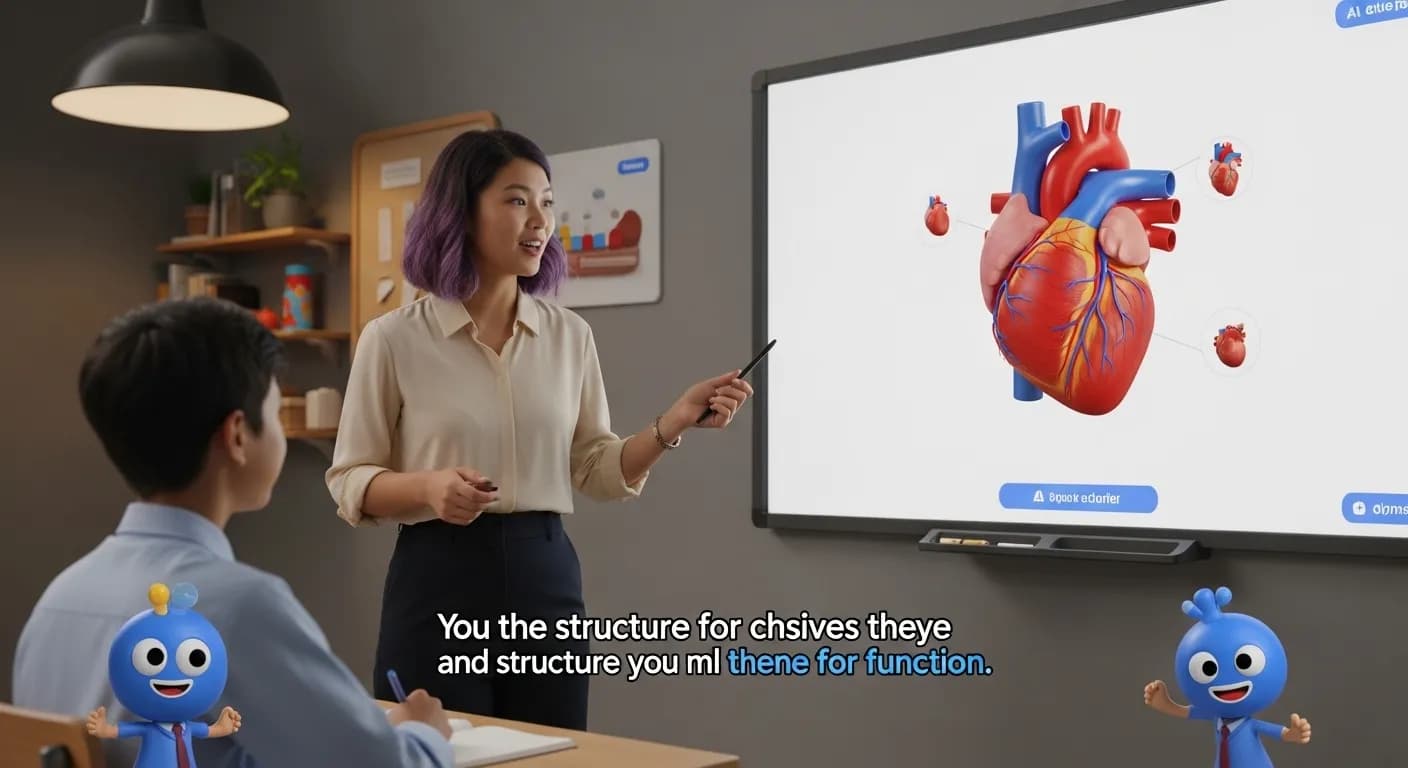
Flonnect AI Animated Video Maker – Animated videos from a prompt
Animated videos are a common way to explain a product, teach a topic or run an ad, but making them usually takes animation skills, specialised software and a lot of hours. Flonnect's AI animated video maker starts from a written prompt instead. You describe what you want, and the AI writes the story and generates the scenes.
The result is placed on a multi-track timeline in Flonnect's AI editor, so you are not stuck with the first version. You can replace a scene, change the text, re-record the voiceover or ask the AI agent to make a change in plain words.
Why Use an AI Animated Video Maker
Most people who need an animated video are not animators. With Flonnect you skip keyframing and asset hunting: pick a video type, write a prompt, and review the story the AI proposes. You still decide what goes in the video, but you don't have to build each frame.
You can give the AI real material to work from: up to 4 reference photos, your website, or up to 3 of your own clips. If the brief is unclear, the AI may ask a few questions before it writes the story.
AI Features for Animated Videos
These are the parts of Flonnect you use to make an animated video:
Prompt to Video:
Choose Product, Brand film, Explainer, Text promo or Let AI decide, and describe the video.
Story Approval:
Read the proposed story, edit it, and approve it before the video renders.
Voiceover:
Use text-to-speech or a clone of your own voice, and dub it into another voice if needed.
Generated Assets:
Generate extra images, video clips or sound for a scene, with a choice of AI models.
Smart Captions:
Add styled captions so the video can be followed without sound.
Brand Kit:
Apply your logo, accent colour, font and music to the video.
Create Animated Videos with AI Help
Here is how different teams use the AI animated video maker:
AI Explainer Video Maker for Businesses & Startups
Product introductions and how-it-works videos are easier to follow when they are animated. Pick the Explainer type, point the AI at your website, and edit the story until it says what you want.
- The AI reads your prompt, photos or website and drafts the story.
- You edit or approve the story before anything is rendered.
- Add a voiceover with text-to-speech or your cloned voice.
AI Animated Ad Creator for Marketers & Brands
Marketing teams can make short animated ads from a prompt using the Product or Text promo types, and keep them on brand with the brand kit.
- Generate hook variants to test different openings.
- Generate language variants for other markets.
- Use auto reframe to make vertical versions of the 16:9 video.
AI Social Media Animation Maker for Influencers & Content Creators
Creators can make animated clips for their channels without learning animation software, then finish them in the same editor.
- Generate images, video clips and sound to fill out a scene.
- Add smart captions for viewers who watch with the sound off.
- Reframe for Instagram Reels, TikTok, YouTube Shorts and Snapchat.
AI Animated Video Maker for Educators & Online Learning
Short animated videos work well for e-learning, training and revision. Teachers can turn a lesson outline or an existing deck into a video.
- Describe the lesson and let the AI draft a short explainer.
- Turn slides into a video with presentation to video.
- Add captions and translate the audio for students in other languages.
How AI Animation Works
You don't need animation experience. The process in Flonnect looks like this:
Prompt:
Pick a video type and describe the video, with optional photos, website or clips.
Questions:
The AI may ask a few questions to fill gaps in the brief.
Story:
You review, edit and approve the story.
Render:
The AI generates the scenes and places them on the timeline in 16:9.
Edit & Export:
Adjust anything on the timeline, reframe if you need vertical, and export.
Why Choose Flonnect AI Animated Video Maker
Many AI video tools give you one generated clip and stop there. Flonnect gives you the generated video on a full editing timeline, with an AI agent that takes instructions, so you can keep working on it until it is right.
The same editor handles captions, voiceover, dubbing, reframing and audio cleanup, so you don't need to move the video between apps.
Get Started with AI Animation Today
If you want animated videos without learning animation software, start with a prompt in Flonnect and edit from there.
Try Flonnect's AI animated video maker for marketing, social media, presentations and education.
Describe Your Animated Video, Then Edit It Your Way
Generate the first cut with AI and finish it on a real timeline
No credit card required • Free forever plan available